New Product Updates – July 2025

Mississauga, ON – July 30, 2025 – We’re excited to to announce a suite of new product updates for June 2025, designed to enhance driver privacy, streamline workflows, and strengthen safety reporting. These enhancements reflect GoFleet’s commitment to providing fleet operators with the tools they need to manage their fleets more efficiently and securely.
Explore the latest updates below and see how GoFleet is helping you drive smarter, safer, and more efficient fleets!
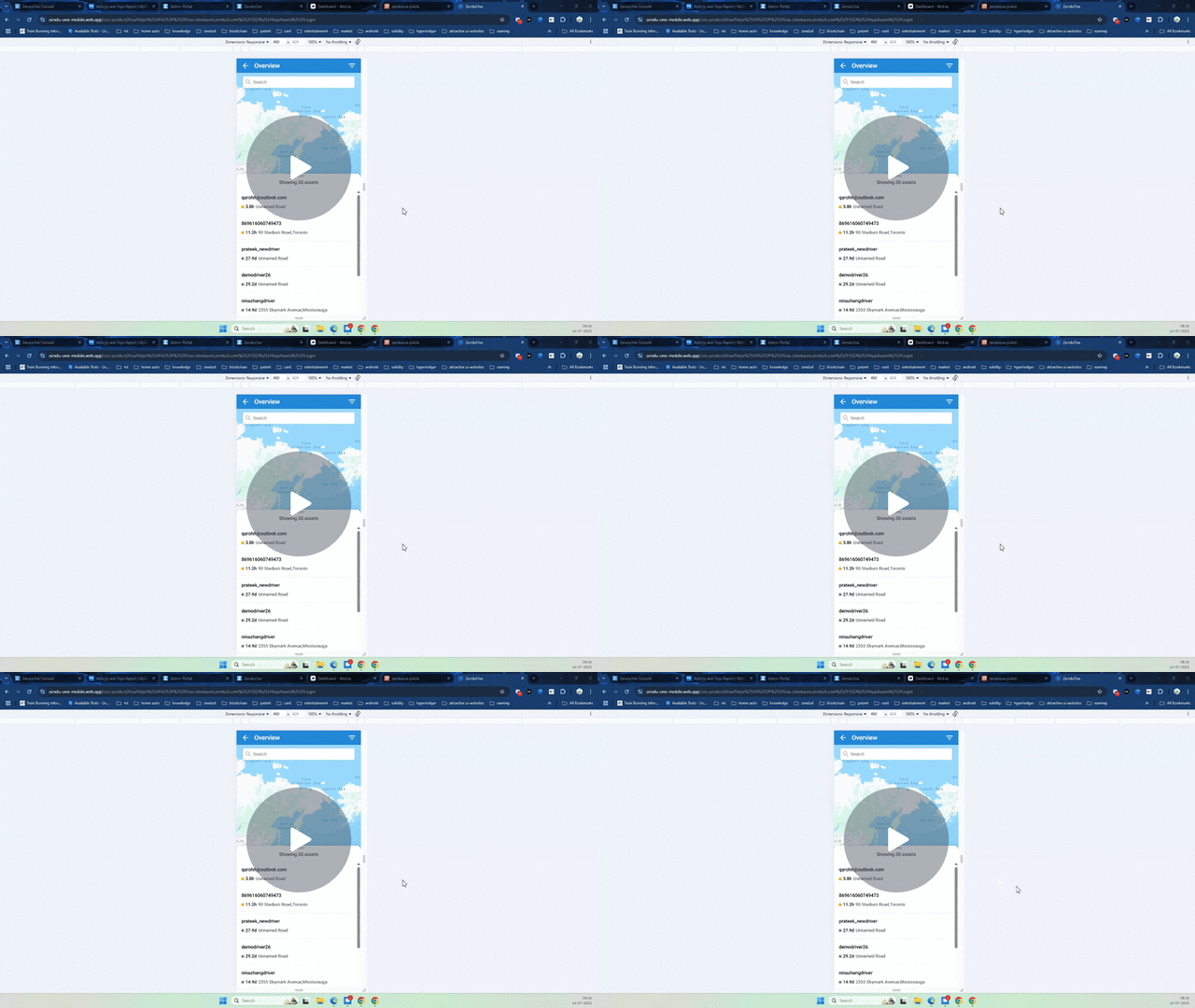
Improved Driver Data Access Control
One thing we’ve always prioritized at GoFleet is your privacy. With the latest updates, we’ve taken it up a notch by ensuring that drivers can only access data that’s directly related to the vehicles they’re assigned to. This means there’s no chance of them seeing another driver’s trip or asset data. Just what’s relevant to them.
Key Benefits:
- More Privacy: Drivers only see data tied to their assigned assets.
- Improved Security: Reduces the risk of unauthorized access to sensitive information.
- Complete Control: Gives you the peace of mind that only the right people see the right data.
Watch Demo – Learn how our new driver data access control makes sure privacy stays intact while keeping everything seamless for your team.
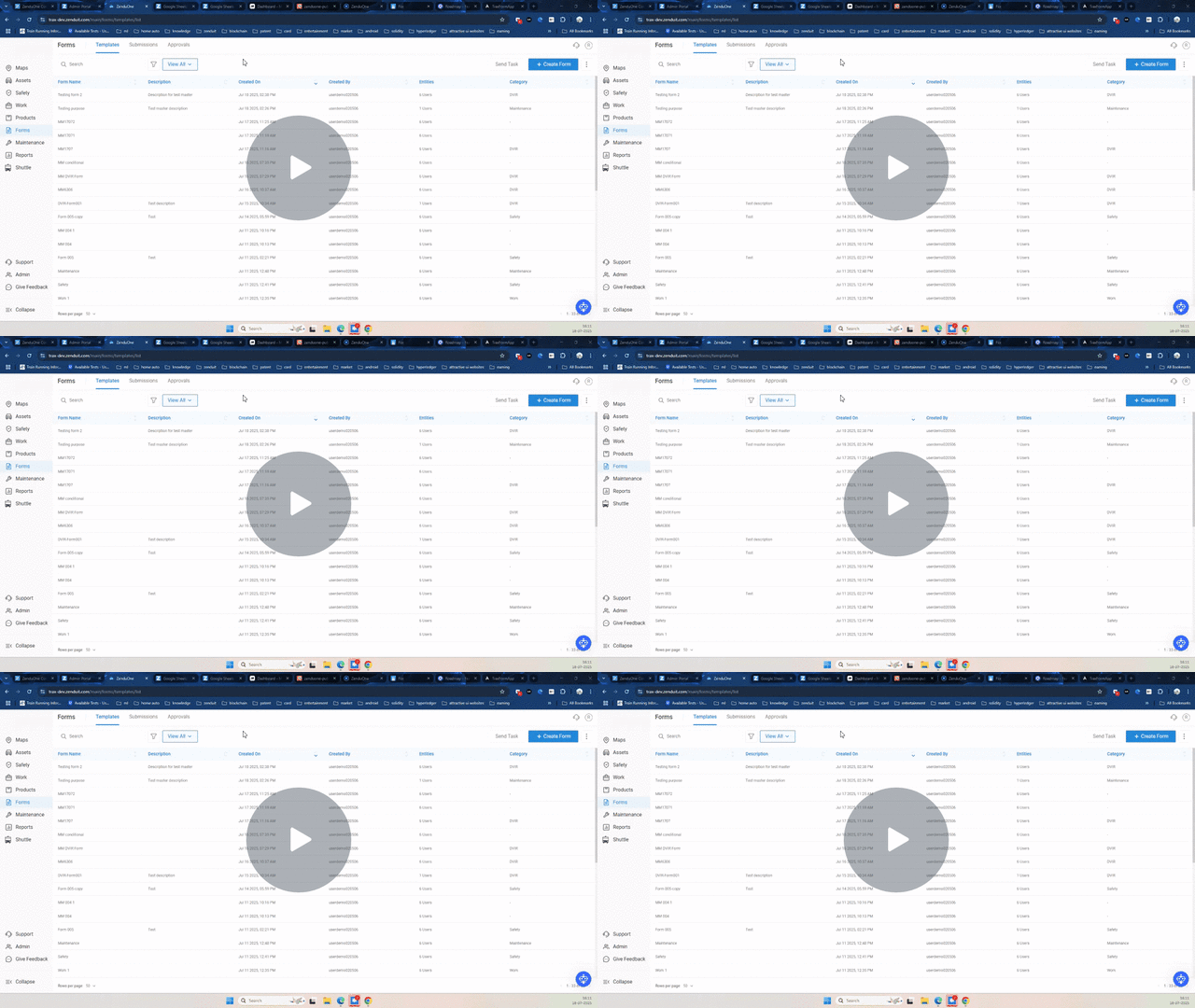
Smarter, Faster Forms: New Features to Boost Your Workflow
We’ve made significant upgrades to the Forms module to improve form creation, automation, and the driver experience. Whether it’s for inspections, maintenance reporting, or safety checks, we’ve added smart features to save time and reduce errors. You can auto-generate service requests, require photos, classify defects, and even automate data entry for drivers.
Key Benefits:
- Efficiency Boost: Automates tasks like generating service requests, saving time.
- Fewer Mistakes: With editable templates and built-in defect lists, accuracy is a breeze.
- Custom Flexibility: Customize forms with conditional logic to fit your unique workflow.
Watch Demo – See how our smarter forms work in real-time and how they’ll make your day-to-day operations a lot easier.
New Group-Level Safety Report
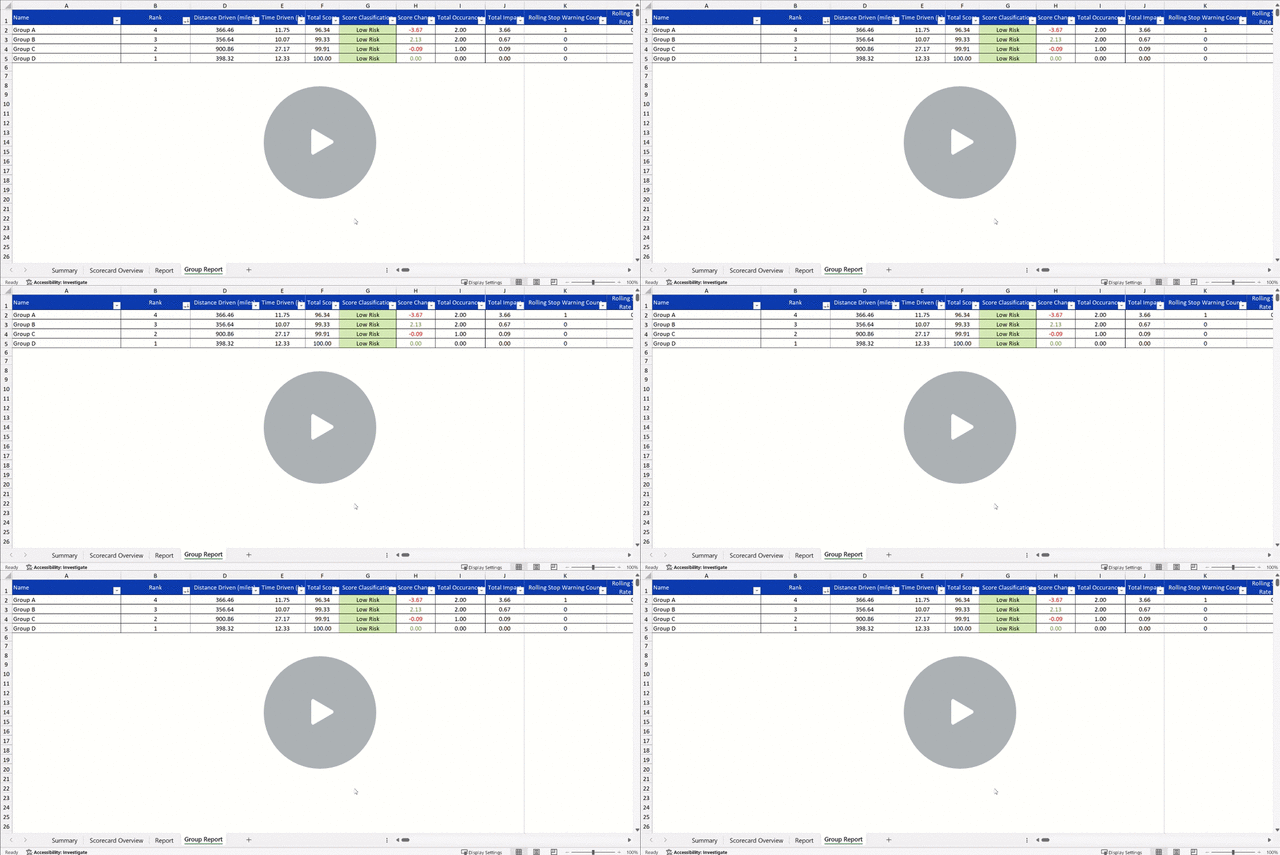
Tracking safety is crucial, and now, you can do it not just by individual driver, but by groups, regions, or even entire business units. With the new Group-Level Safety Report, we’ve made it easier for you to see how your teams are performing, so you can quickly spot trends and address areas that need attention.
Key Benefits:
- A new Group Report is now available alongside the existing driver-level and summary reports.
- View safety scores aggregated by group, region, or business unit.
- Each group’s report includes:
- Total distance driven
- Total drive time
- Group safety score
- Group ranking
Watch Video – See how the new group-level safety report helps you track safety performance by team, region, or business unit, giving you a clearer overview of fleet safety.
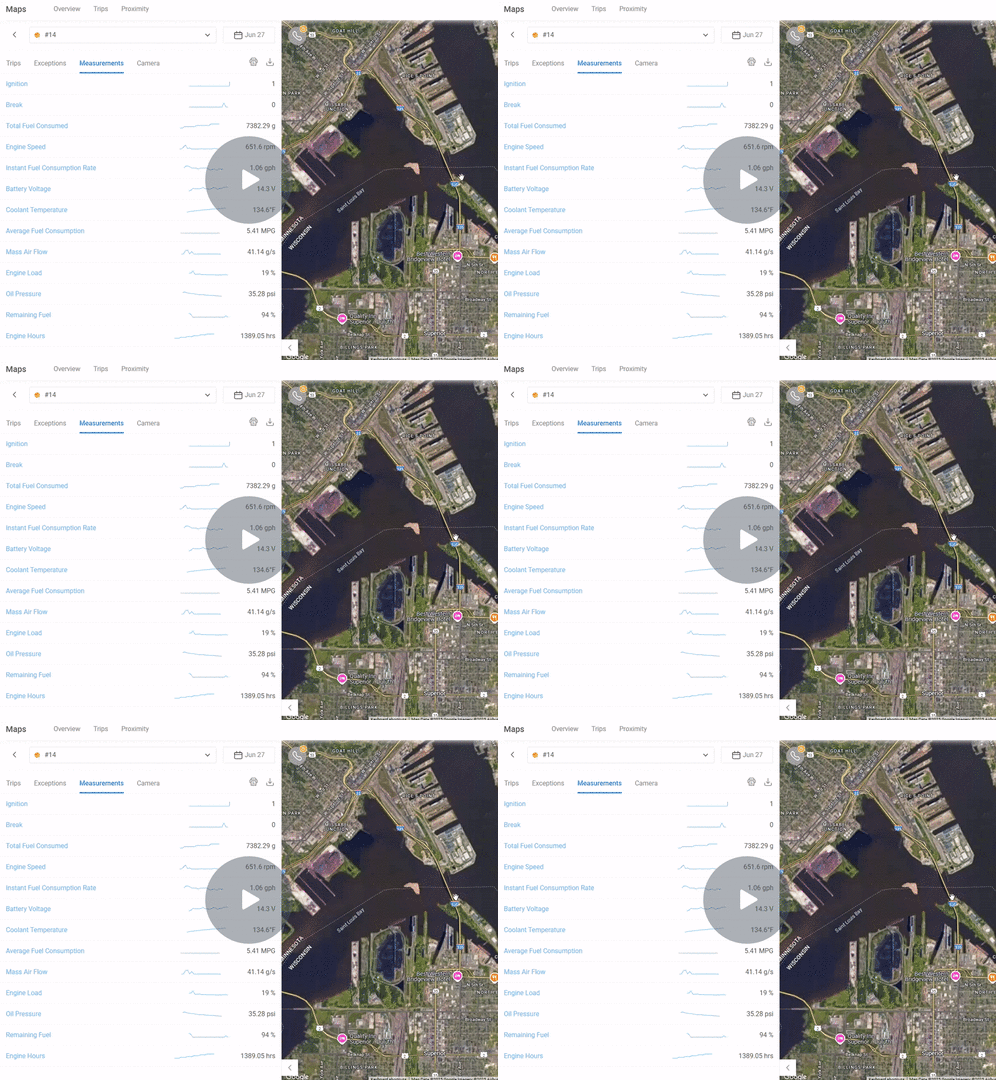
Introducing Additional Vehicle Measurements with ZenCAM and Diagnostic Box
We’re excited to introduce new vehicle measurements available when using ZenCAM with the diagnostic box. These include remaining fuel, total fuel consumed, constant fuel consumption rate, and average fuel consumption.
Key Benefits:
- Fuel Efficiency Insights: Track fuel consumption rates and optimize usage.
- Better Maintenance Planning: With more detailed metrics, you can plan maintenance before problems arise.
- Improved Decision-Making: Make more informed decisions based on real-time fuel data.
Watch Video – Explore how the additional fuel-related metrics in ZenCAM enhance your ability to monitor vehicle performance and optimize maintenance planning.
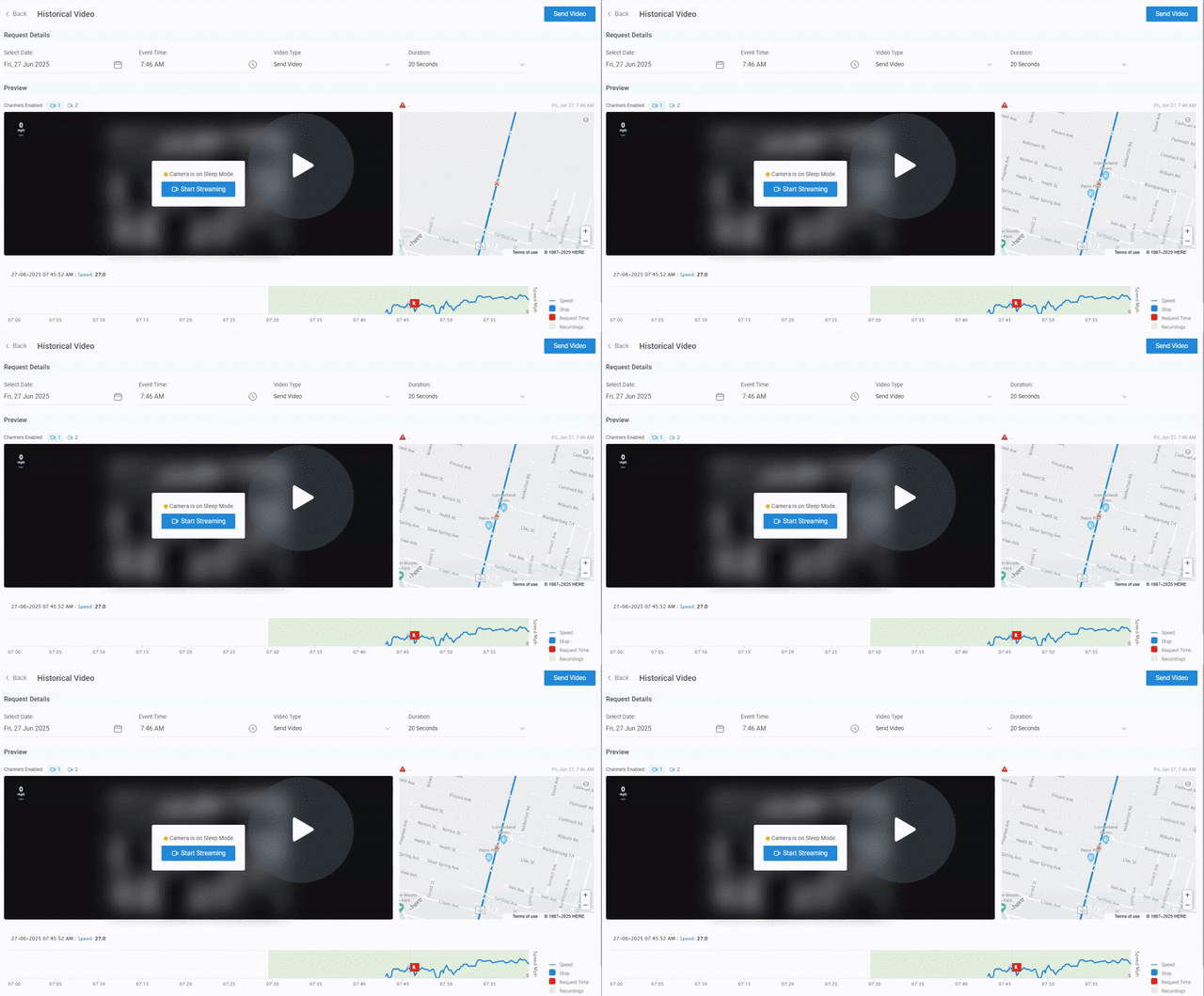
Improved Historical Streaming with Camera Sleep Mode Notification
We’ve made it clearer and easier to stream historical footage when you need it. Now, if a camera is in sleep mode, you’ll get a notification letting you know that it needs to be activated first. And don’t worry — once it wakes up, it only takes a couple of minutes to start streaming the footage.
Key Benefits:
- Clear Notifications: Know exactly when the camera is in sleep mode and how long it will take to stream.
- Smoother Streaming: No more confusion — just a quick, easy transition to historical footage.
- Better Planning: The notification gives you real-time feedback so you’re never left in the dark.
Watch Video – Find out how the improved historical streaming with camera sleep mode notification ensures smoother transitions and more efficient access to your vehicle’s footage.
Geotab Updates: Latest Features for Fleet Management
1. AI-Powered Search on Geotab Support
Geotab introduces an AI Assistant that enhances the search experience on the Geotab Support website. This smart tool helps users find content more quickly and accurately by understanding complex queries, handling abbreviations, and providing detailed, professional responses. It can also pull in relevant information from Geotab Academy and vehicle-specific data.
Key Features:
- Faster, more accurate search results.
- Customizable responses based on user queries.
- Access to Geotab Academy content and vehicle information.
➤ Available now at the support.geotab.com
2. Enhanced Video Recording Filters
The Video Recording page now automatically hides dismissed exception events unless the option to “Include dismissed exception recordings” is selected. This improvement makes it easier to find and track important active events.
Key Features:
- Cleaned-up interface that hides irrelevant dismissed events.
- Simplified event tracking for quicker access to active incidents.
3. Clean Truck Check (CTC) Improvements
Geotab’s Clean Truck Check (CTC) now offers enhanced automation and smarter detection. It supports task automation through API, identifies pending devices with smart protocol detection, and provides real-time CARB server status alerts. These updates will improve efficiency, reduce manual tasks, and streamline reporting.
Key Features:
- Automate compliance tasks and improve reporting efficiency.
- Real-time alerts for CARB server statuses.
- Better device management with smart protocol detection.
➤ Learn more on the Geotab Developer Portal
4. Deprecation of Device Installation Wizard (DIW)
Geotab’s Device Installation Wizard (DIW) will be officially deprecated by August 30, 2025. Users are advised to transition to Mynstall, which now supports IOX configuration. European installers must also register their accounts on MyAdmin to remain compliant with the latest installation protocols.
Key Features:
- Transition to Mynstall for more flexibility with IOX configurations.
- Clear guidance on the deprecation timeline and new setup process.
➤ MyInstall Quick Reference Guide (Google Doc)
About GoFleet
We don’t just provide another GPS fleet tracking system. We are in the business of providing you with telematics solutions that ultimately, improve your bottom line while increasing your operational efficiencies and the safety of your workers. Our fleet consultants work with you to understand your business in order to implement solutions based on everyday pain areas and industry best practices. Of course, it helps to have the industry’s most powerful and reliable GPS vehicle tracking system, but the real value is in our customer service. Let us show you the GoFleet difference. GoFleet – Connected Intelligence, Smarter Solutions.