New Product Updates – August 2025

Mississauga, ON – August 30, 2025
At GoFleet, we’re always working to improve our platform with new features that enhance your experience.. This month, we’re introducing a range of updates aimed at giving you more control, optimizing operations, and enhancing the overall user experience with streamlined features and greater flexibility.
Geotab Updates: Latest Features for Fleet Management
1. Personalized Onboarding and Enhanced Dashboards
Geotab has introduced an intelligent onboarding process, now available to all users starting August 20, 2025. This feature personalizes the MyGeotab experience based on each user’s role and includes an upgraded dashboard with pre-loaded, interactive charts for immediate insights.
Key Features:
- Role-based personalized onboarding with a Quick Start Guide
- Pre-loaded interactive charts tailored to the user’s role
- Ability to duplicate and edit charts for customized monitoring
Availability: All users, regardless of database creation date, as of August 20, 2025.
2. Area Activity Integrated with Trips History (Beta)
The Area Activity feature has been integrated into the Trips History page (Beta), allowing users to filter trip data by specific geographical areas directly within the page.
Key Features:
- Filter trips by self-defined geographical areas
- Combine area filters with date ranges and vehicle selections
- Update selected areas dynamically
Availability: Gradually rolled out to Beta users starting mid-August. Enable via Account > Options > Beta Features > Trips History.
3. Enhanced Geotab Ace (Beta) Functionality
Geotab Ace (Beta) has been enhanced with a conversation history panel and expanded global access, providing users with continuous AI assistance across regions.
Key Features:
- View and continue past conversations with Ace
- Expanded availability in Brazil, Australia, and Asia
- Upcoming integration with the Knowledge Base for direct support
Availability: Available immediately to all users globally. Enable via Account > Options > Beta Features > Geotab Ace.
4. Deprecation of Device Installation Wizard (DIW)
Geotab is retiring the Device Installation Wizard (DIW) tool on October 15, 2025. All its features for validating IOX-COLD and IOX-UREADER installations have been integrated into the MyInstall platform.
Key Features:
- Unified installation and validation process through MyInstall
- Enhanced security with MyAdmin login requirements
- Streamlined workflow for installation partners
Availability: MyInstall is available now; DIW retirement scheduled for October 15, 2025.
➤ Checkout MyInstall User Guide
5. Email Subscriptions for Known Issues Page
Users can now subscribe to receive email notifications for updates on Priority 3 and 4 issues, ensuring timely awareness of non-critical updates.
Key Features:
- Automatic email updates when issues are added, updated, or resolved
- No need to manually check the Known Issues page
- Timely awareness of non-critical issues
Availability: Anyone can navigate to the Known Issues page and Subscribe for updates.
For more Geotab Updates – Click Here
GoFleet New Product Updates – August 2025
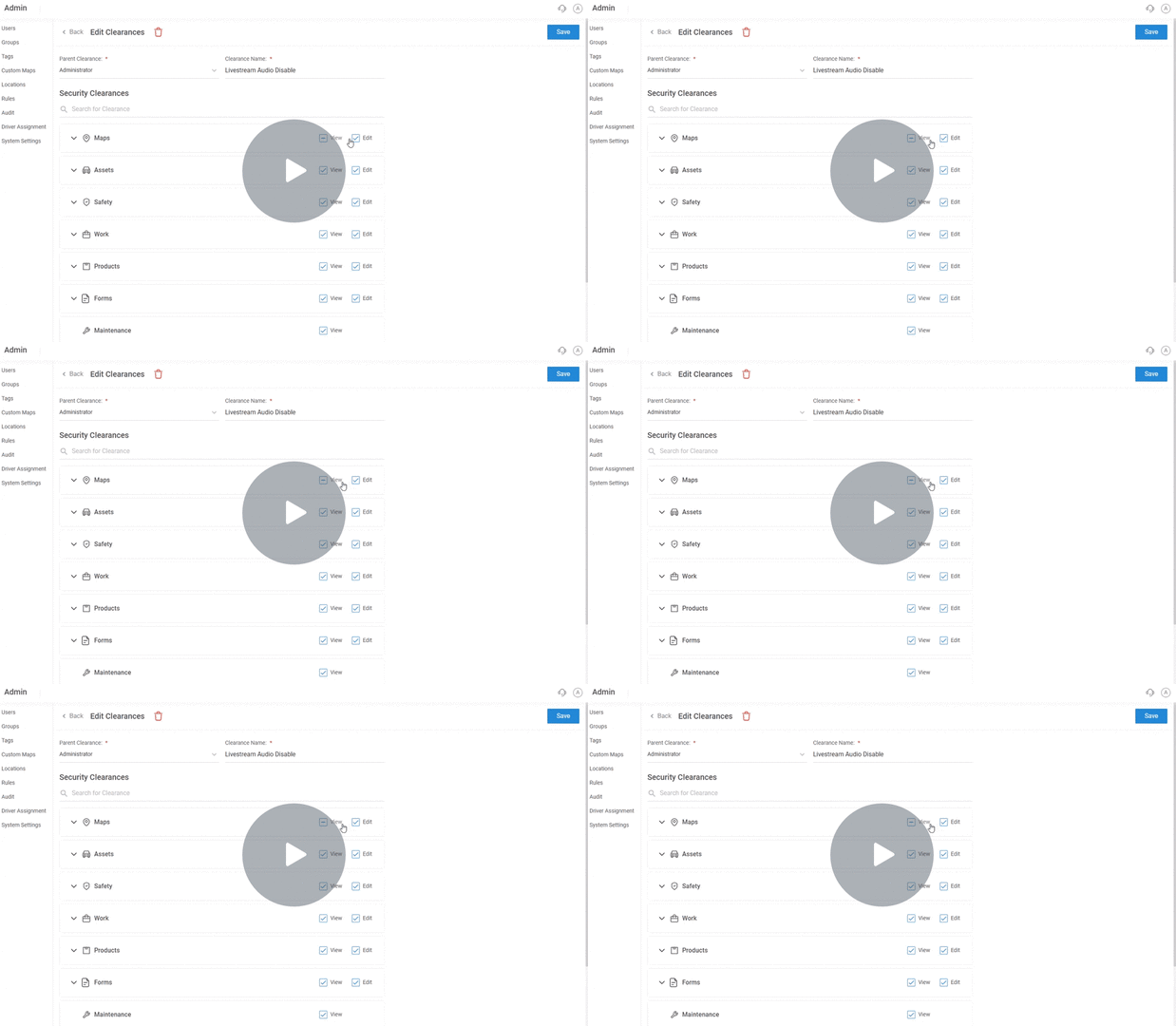
Live Stream Audio Control for Dispatchers and Managers
Admins now have enhanced control over live streaming audio settings, allowing them to enable or disable audio access specifically for dispatchers or managers. This feature can be customized directly from the user clearance page, offering more privacy and monitoring control.
Key Highlights:
- Option to enable/disable audio during live streaming
- Separate audio permissions for dispatchers and managers
- Accessible via the Clearance Page → Users Tab
- Customizable audio access profiles
Why It Matters:
This feature gives organizations more granular control over privacy and monitoring policies, ensuring data privacy and reducing unnecessary audio exposure in sensitive environments.
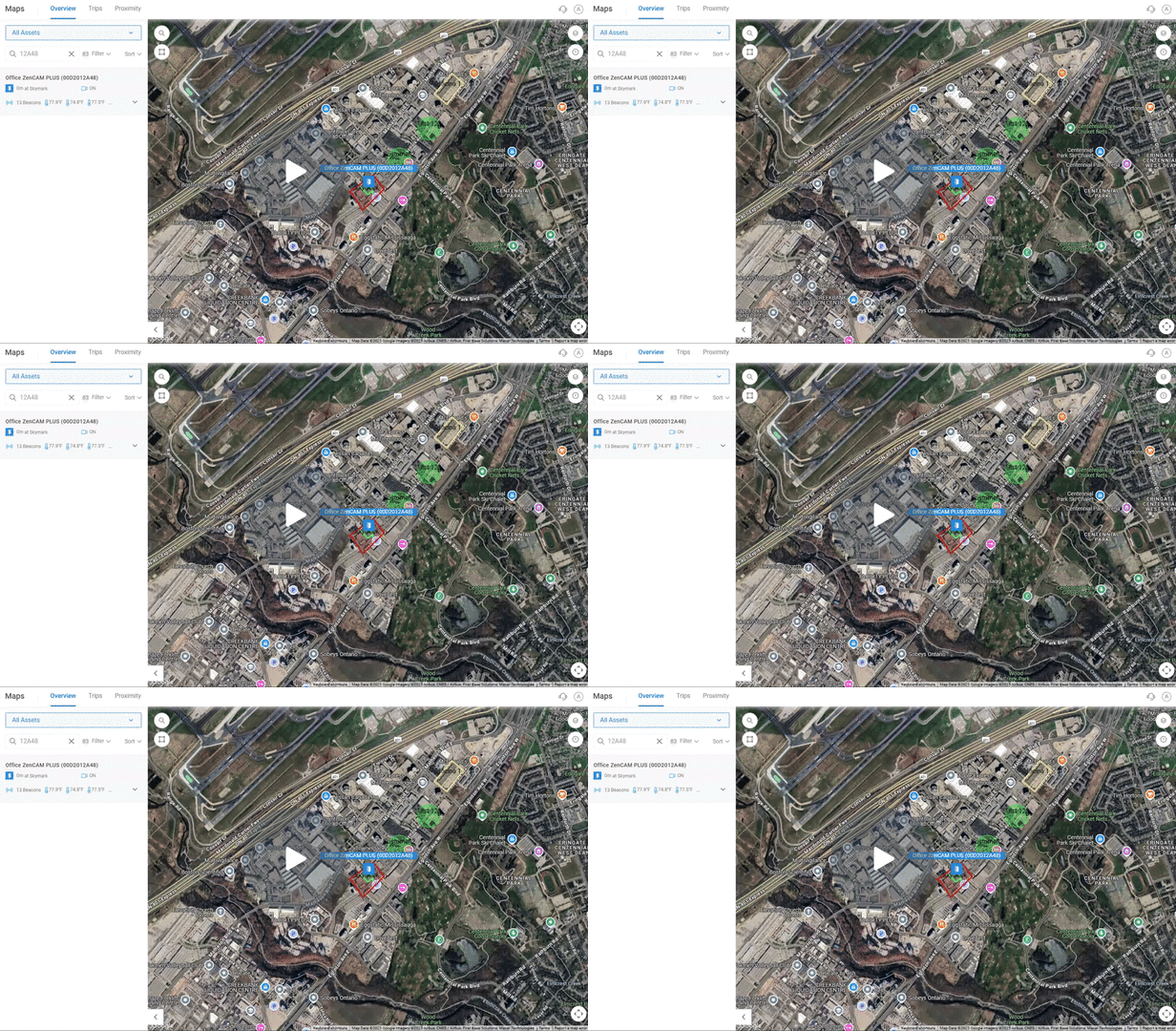
Watch Video – Driver Calling In Three Dotted Option
Help, Feedback, and Updates – All in One Widget!
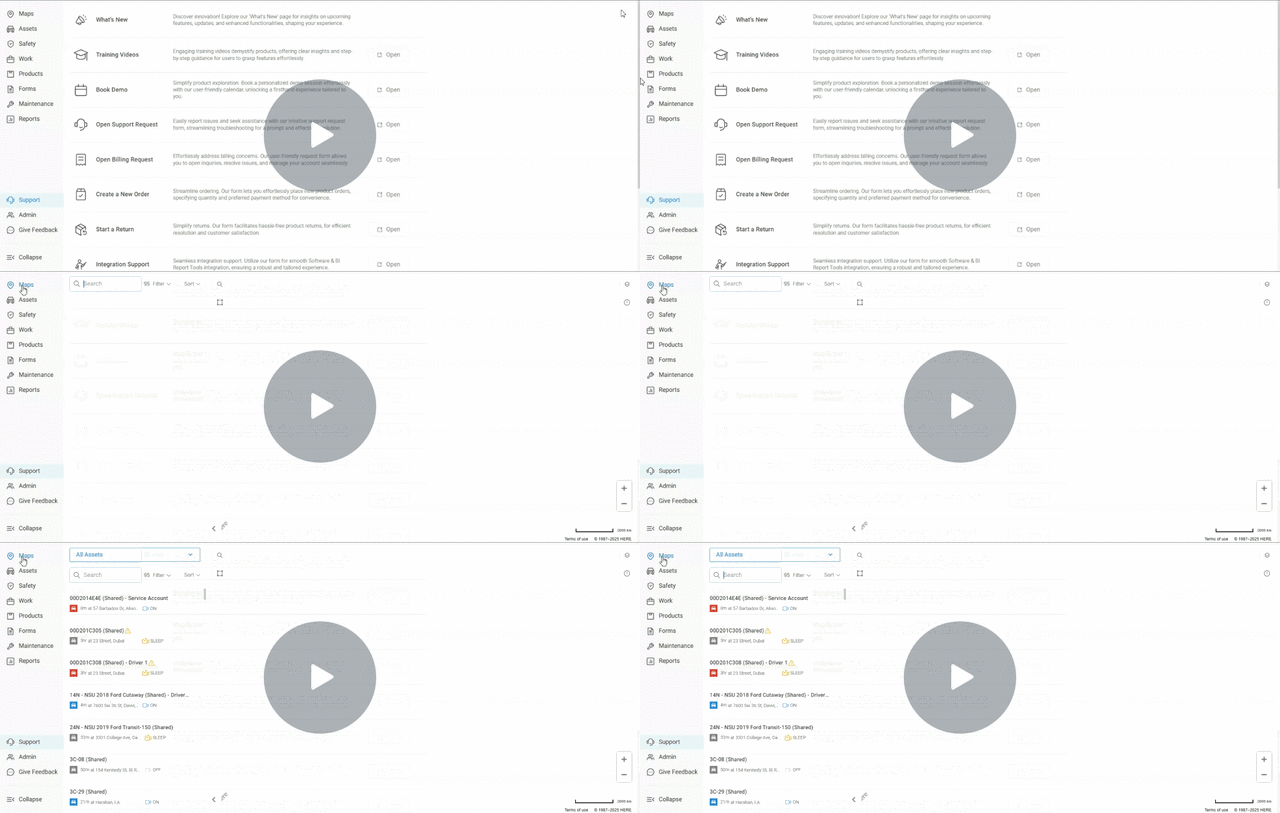
We’ve introduced a new feature-based support widget, consolidating access to help resources, feedback, changelogs, and live support all in one place, directly within the platform.
Key Highlights:
- Send messages directly to support
- Chat with the AI bot or live support
- Leave feedback (feature requests or bug reports)
- Access help articles and view changelogs
Why It Matters:
This update improves the user experience by centralizing all support and help resources, making it easier for users to find answers, provide feedback, and stay informed about product changes.
Watch Video – Managing Audio Clearance On Livestream
Feedback Made Simple
We’ve added a “Give Feedback” button to the platform, allowing users to quickly submit feature requests or log bugs directly from the interface.
Key Highlights:
- “Give Feedback” button in the top navigation bar
- Feature Request and Bug Report options
- Submit detailed descriptions and screenshots
Why It Matters:
This feature streamlines communication between users and the product team, ensuring that valuable feedback is captured quickly and efficiently to help improve the platform.
Watch Video – New Feature-Based Widget for Enhanced Support
Smarter API Usage with the New Rate Limiter
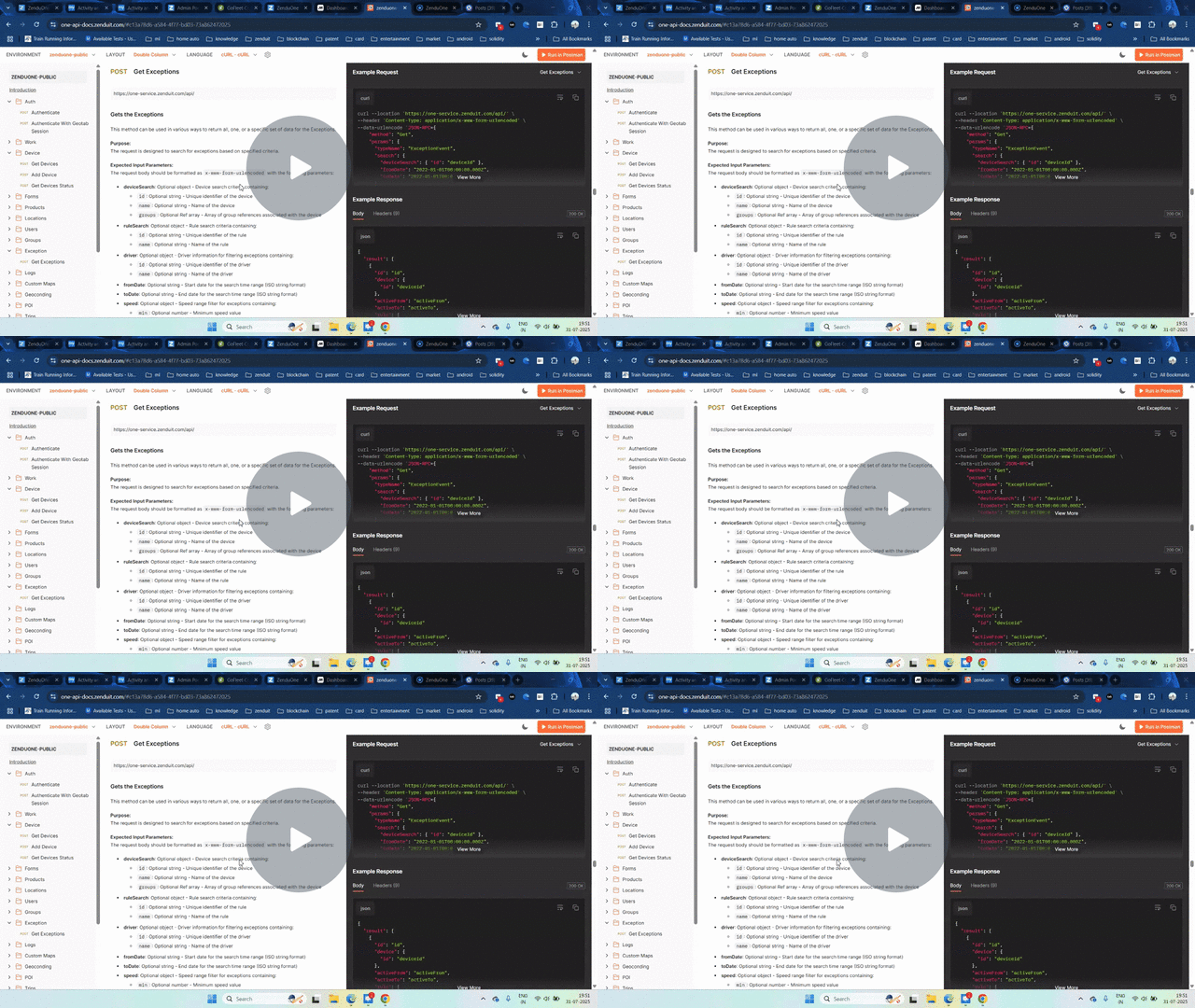
A new API rate limiter has been introduced to control the number of public API calls per minute, ensuring fair usage and system stability.
Key Highlights:
- Public API calls limited to 150 requests per minute
- Exceeding the limit triggers a 429 (Too Many Requests) response
- Must wait before resuming API calls
Why It Matters:
The rate limiter helps maintain system performance and stability, preventing overload and promoting more efficient API usage.
Watch Video – Watch how the new API rate limiter ensures fair usage and maintains system stability.
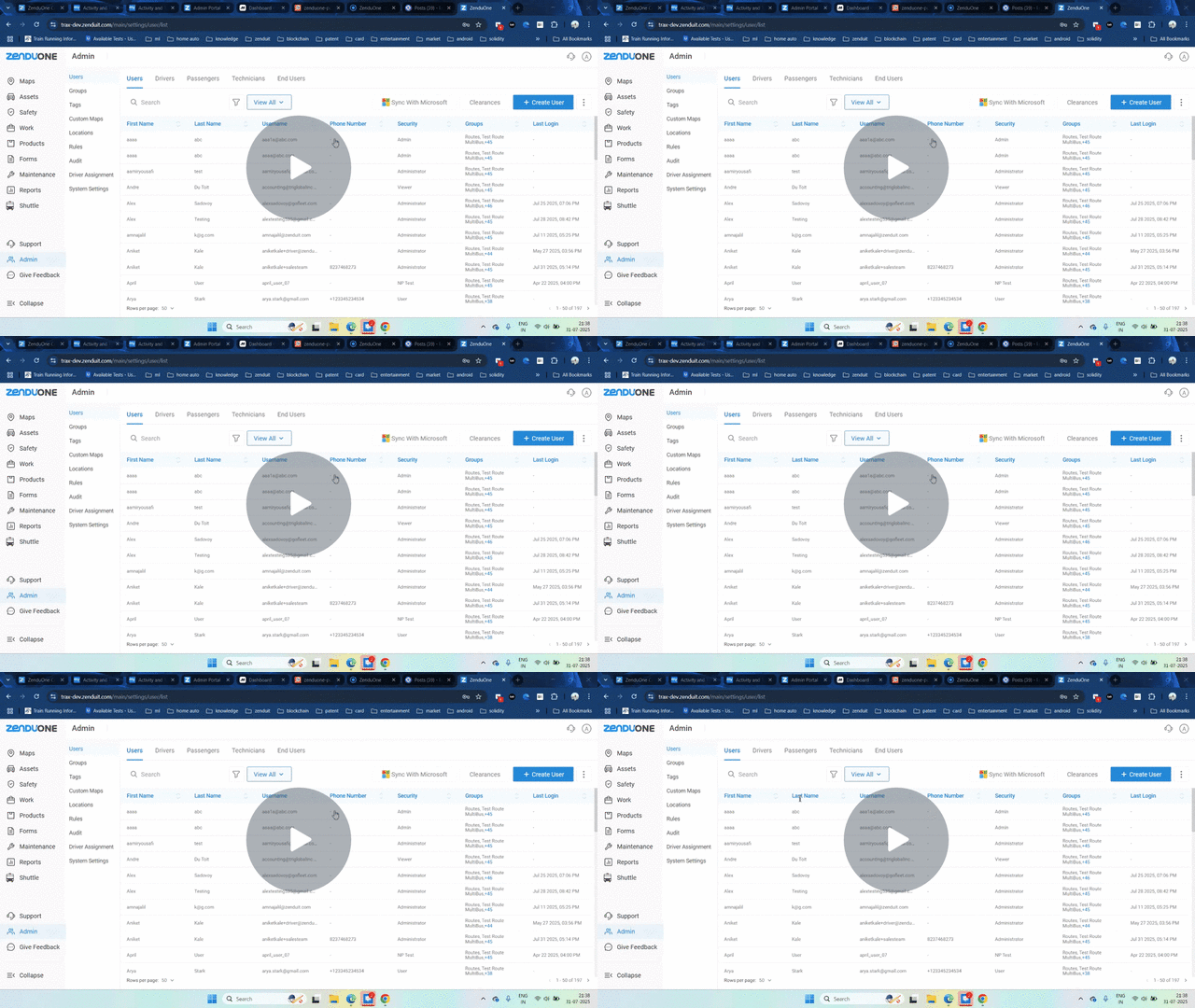
Bring Your Microsoft Users Straight into Platform
Admins can now directly import users and groups from Microsoft Entra ID (Azure) into the platform, making user management faster and more efficient.
Key Highlights:
- Sync with Microsoft Entra ID to import users/groups
- Select specific users/groups or import all
- Manual sync process required due to Microsoft’s 24-hour key storage limit
Why It Matters:
This feature simplifies onboarding, ensures accurate user data, and reduces the manual effort needed to add users, streamlining administrative tasks.
Watch Video – Discover how to sync users from Microsoft Entra ID (Azure) into the platform.
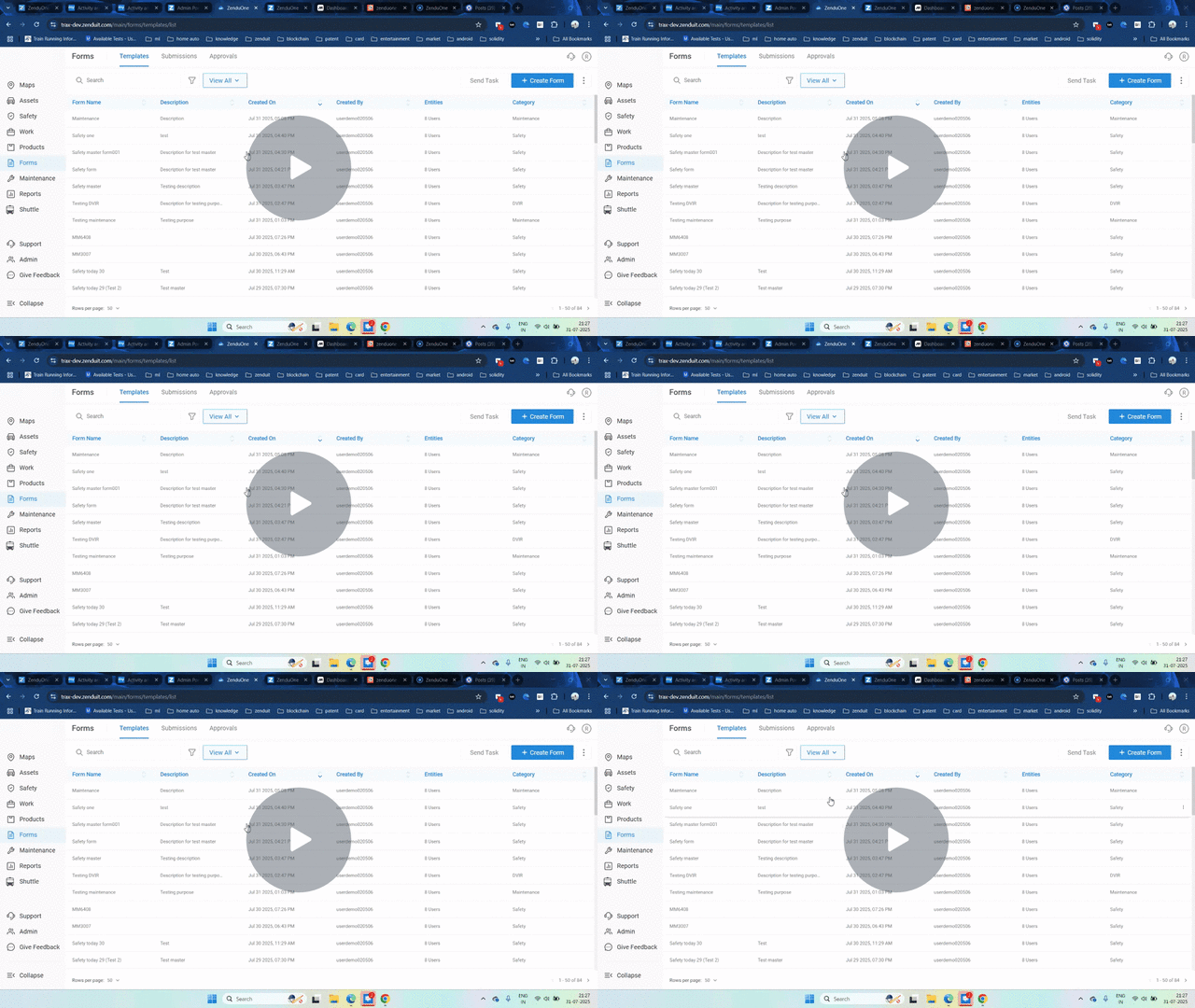
Stay Updated with Instant Form Submission Notifications
The new form submission notification feature ensures real-time awareness of form submissions by sending alerts via email or SMS to specified recipients.
Key Highlights:
- Notification options for forms: Email and SMS
- Multiple recipients including drivers or custom addresses
- Instant notifications triggered on form submission
Why It Matters:
This feature improves response time and enhances operational tracking by ensuring that form submissions are never missed, allowing teams to act quickly.
Watch Video – Find out how to set up instant notifications for form submissions.
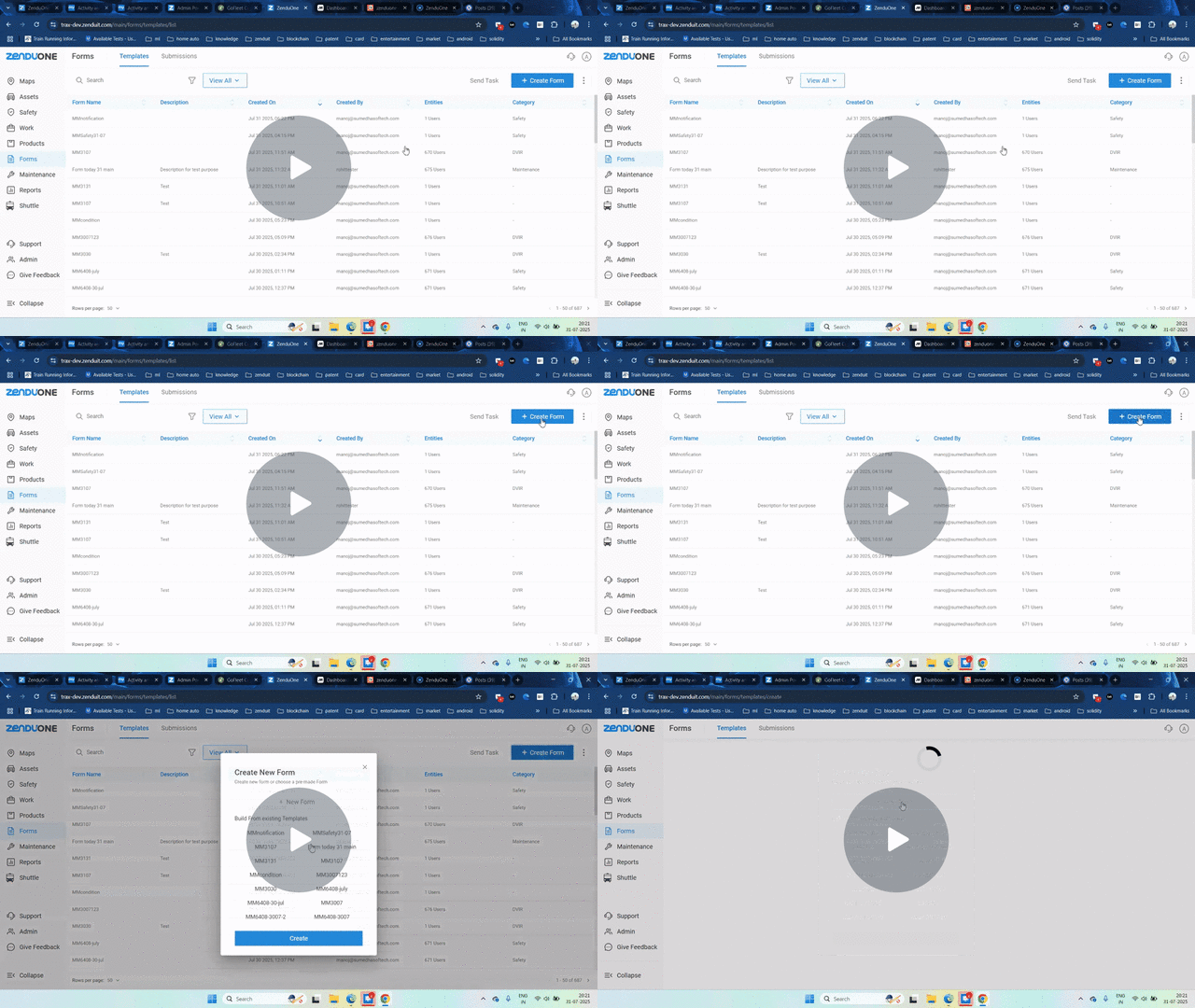
Turn Safety Reports into Action – Instantly
Introducing a Safety Form Category feature that automatically generates safety exceptions upon form submission, helping fleet managers track and address safety incidents more efficiently.
Key Highlights:
- New Safety category option for forms
- Automatic Safety Exception creation with customizable severity levels
- Option to apply penalties directly to driver scores
Why It Matters:
This feature improves driver accountability, enhances safety incident tracking, and provides more actionable insights for fleet managers.
Watch Video – Learn about the new safety form category and automatic safety exception creation.
Faster Footage, Smarter Streaming
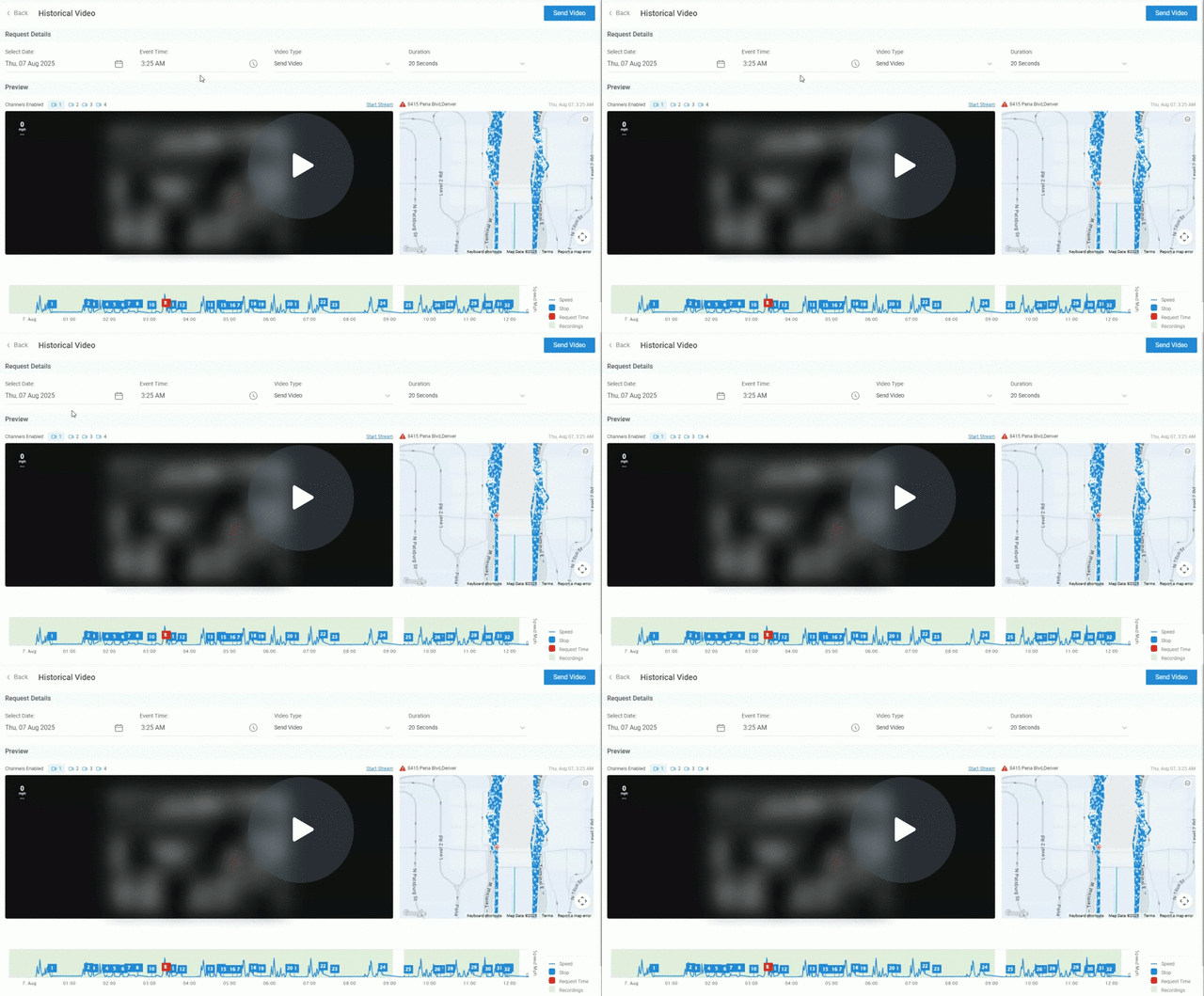
Substream support has been added for historical streaming, enabling users to review footage in lower resolution for faster access.
Key Highlights:
- Low-resolution substream for faster historical streaming
- Option to switch between high-resolution and low-resolution playback
- Optimized for dual-stream devices
Why It Matters:
The substream allows for quicker access to historical footage, particularly useful in low-bandwidth environments, while still providing options for higher-quality playback when needed.
Watch Video – Watch how substream support for historical streaming improves video review speed.
Multilingual Driver Call Notifications
The driver calling application now supports start and end call notifications in multiple languages, improving communication across diverse regions.
Key Highlights:
- Notifications available in multiple languages (e.g., Spanish, French, Mandarin)
- Configurable system language selection
- Currently not supporting Arabic for audio notifications
Why It Matters:
This update minimizes language barriers, ensuring drivers understand call activity clearly, reducing confusion and improving workflow.
Watch Video – See how multilingual support for driver call notifications works.
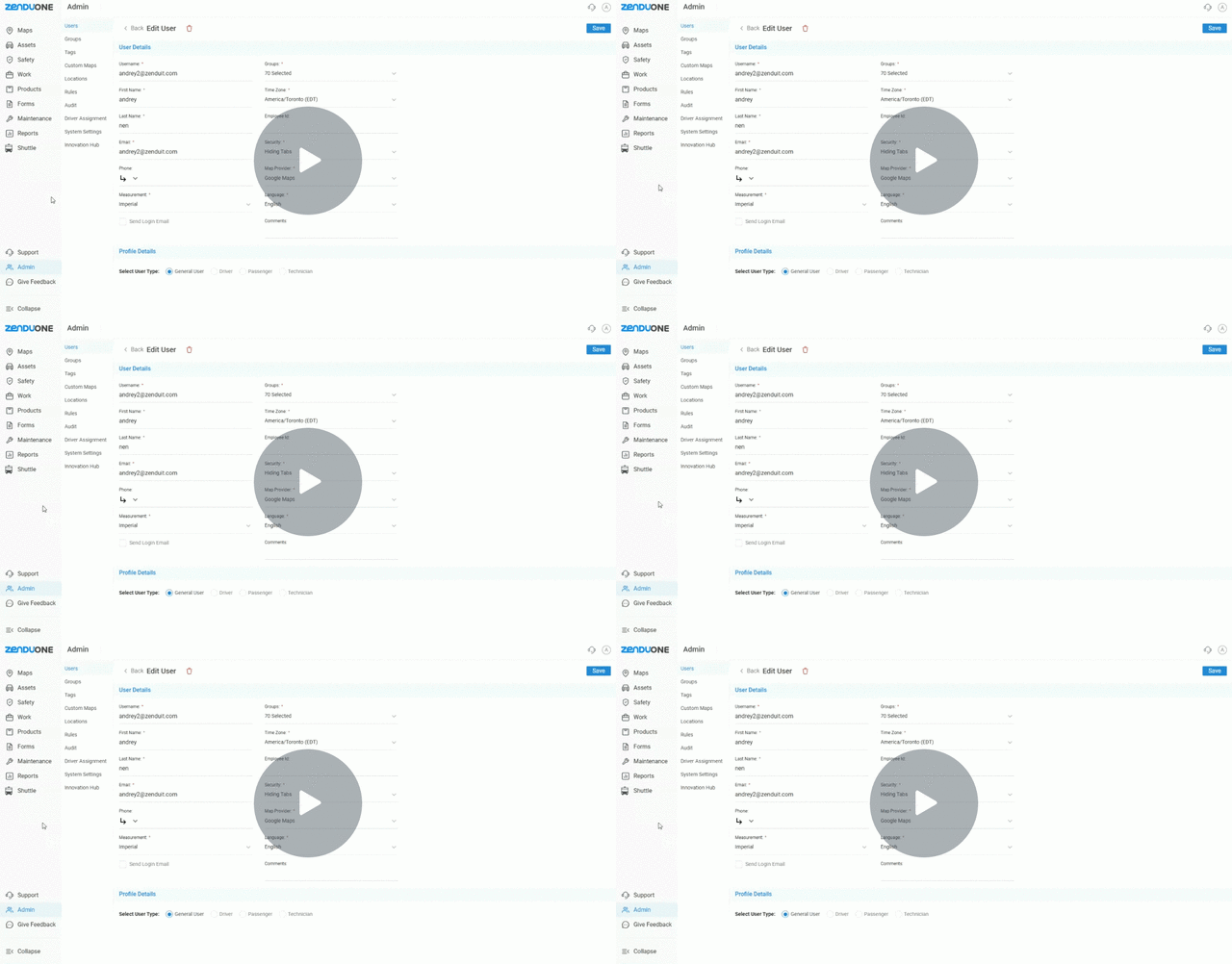
Multiple Streaming Protocol Support on ZenCAM Devices
ZenCAM devices now support both FLV and HLS streaming protocols, providing users with more flexibility and reliability during live streaming.
Key Highlights:
- Option to choose between FLV and HLS protocols
- Fallback option in case one protocol fails
- Protocol switching based on performance and compatibility
Why It Matters:
This update reduces downtime by offering an alternative protocol, enhancing streaming flexibility and improving device and network compatibility.
Watch Video – Watch how you can switch between FLV and HLS protocols for ZenCAM live streaming.
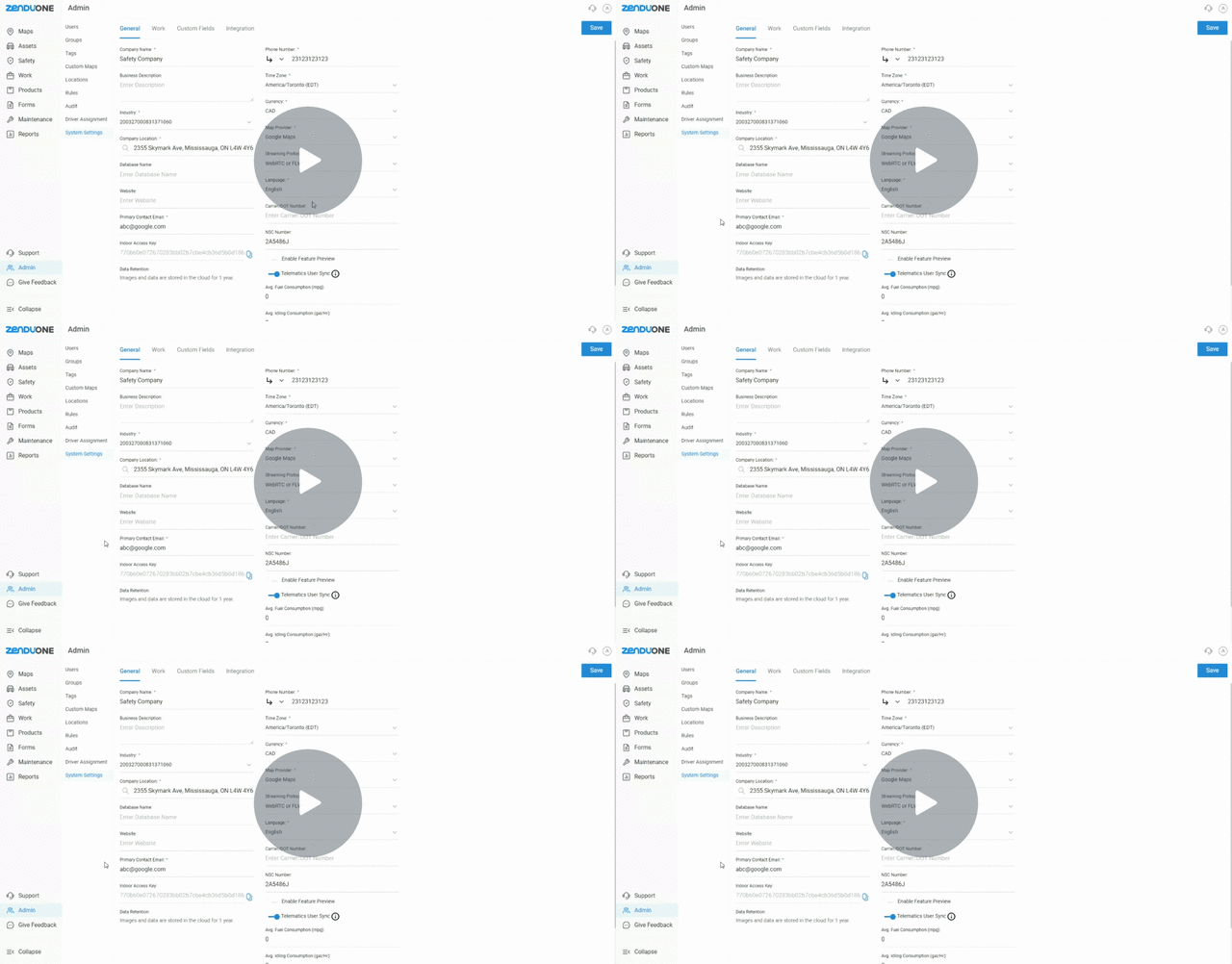
ZenCam Now Talks Your Drivers’ Language
We’ve introduced Spanish text-to-speech (TTS) support for ZenCams, allowing fleet managers to communicate coaching messages in Spanish directly to drivers.
Key Highlights:
- Spanish TTS for rule-based alerts and live-stream coaching
- Clear, audible Spanish voice for driver alerts
Why It Matters:
This feature improves communication and compliance by providing Spanish-speaking drivers with context-accurate coaching and alerts in their preferred language.
Watch Video – Learn how Spanish text-to-speech (TTS) support in ZenCAM enhances driver communication.
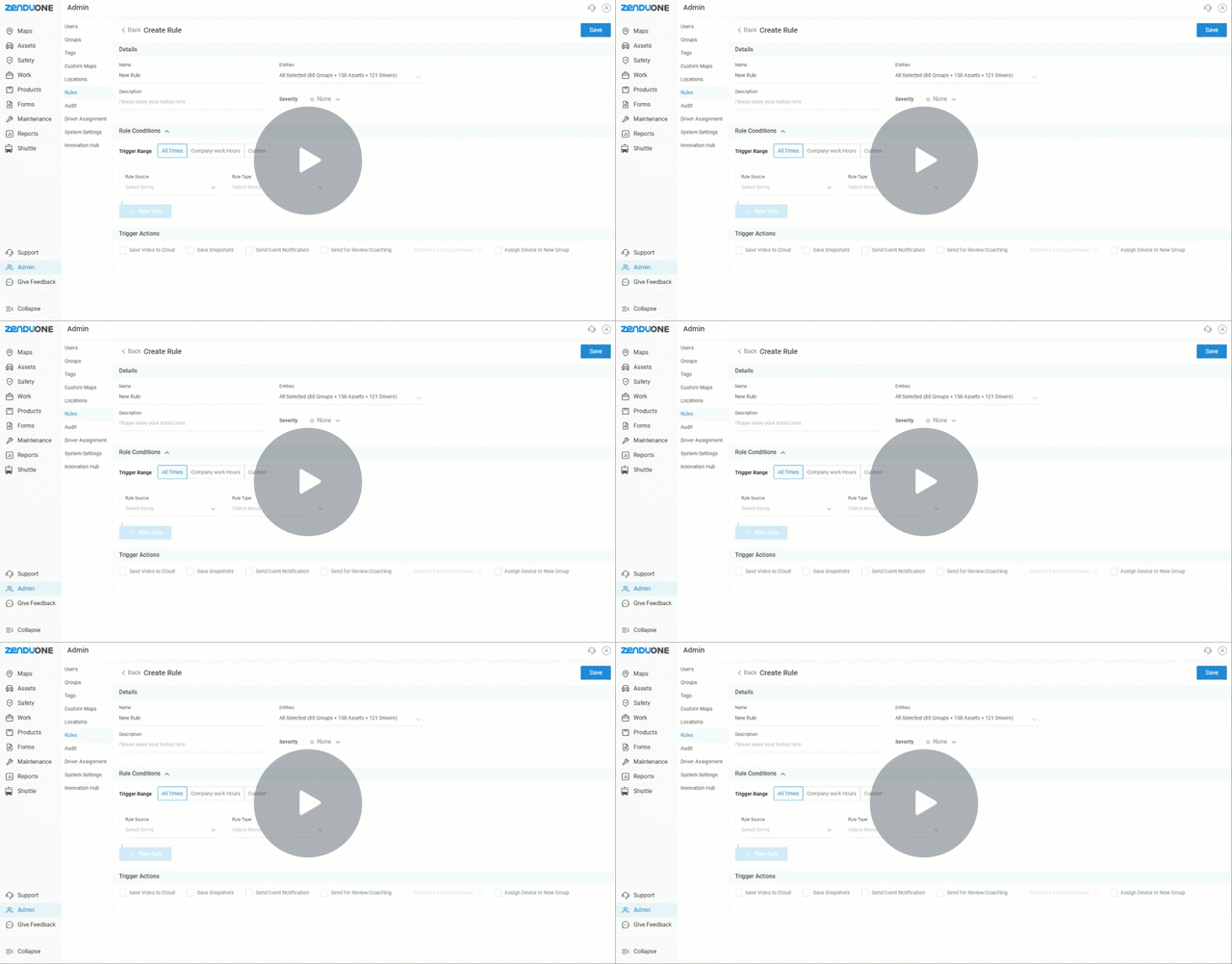
Get Notified The Moment A Form Is Submitted
Instant form submission notifications are now available, ensuring that all form submissions are captured in real time.
Key Highlights:
- Email and SMS notifications for form submissions
- Multiple recipients can be added for real-time alerts
- Flexible notification setup for each submission
Why It Matters:
This update guarantees that form submissions are never missed, enabling teams to respond promptly and stay on top of all submission activities.
Watch Video – Watch how to set up instant notifications for form submissions.
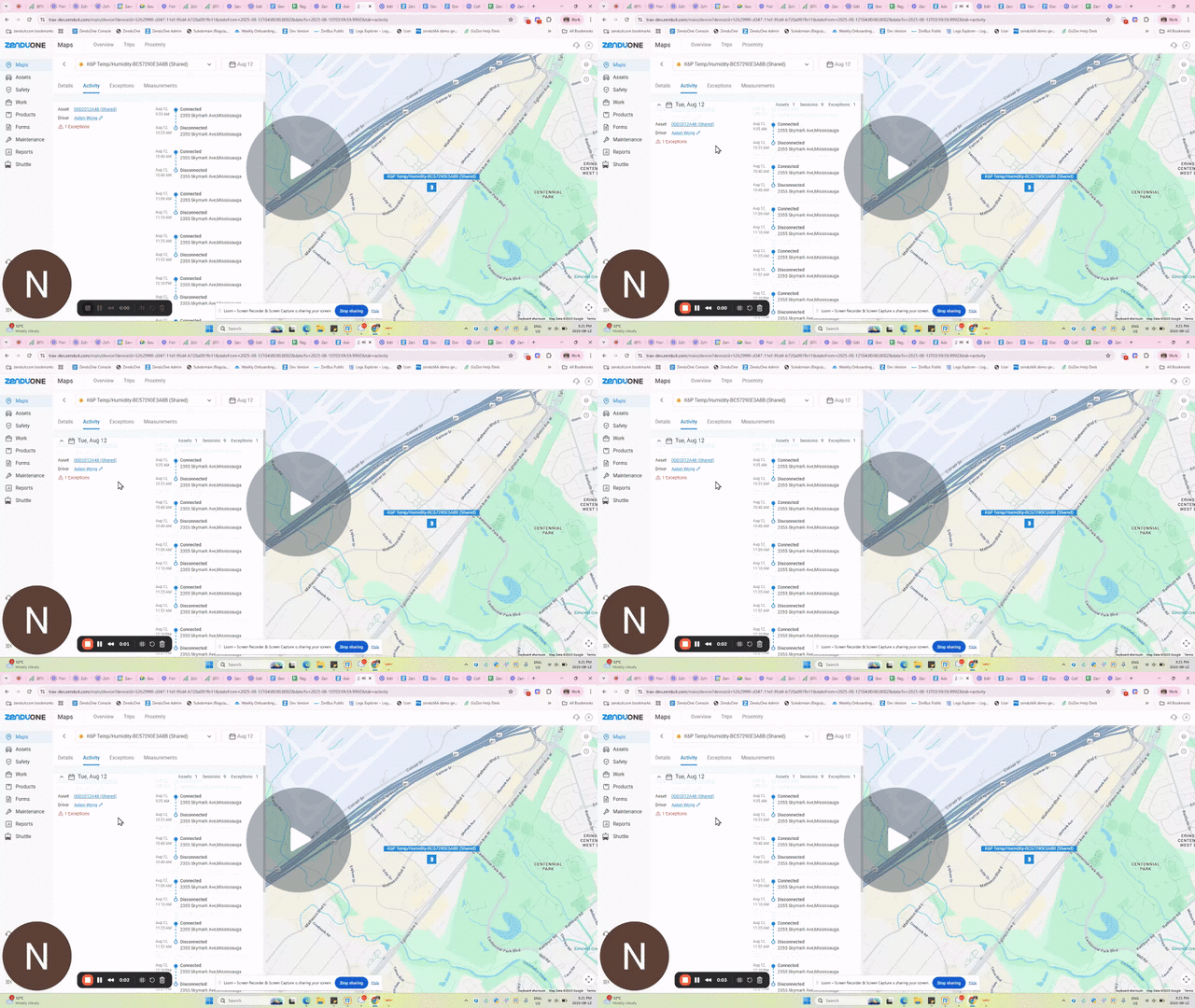
See Every Connection, Every Time
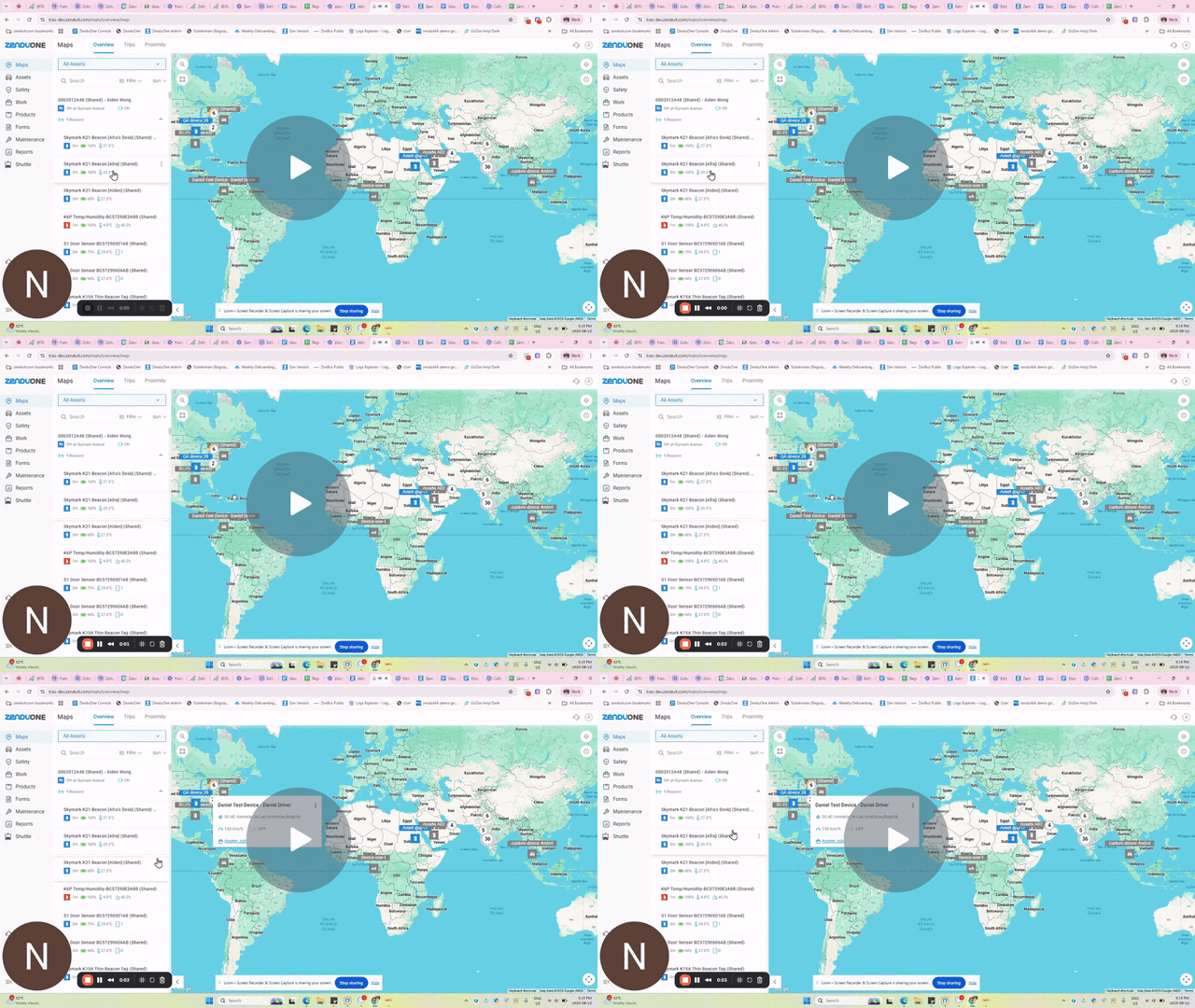
A new Activity Tab for beacons gives fleet managers complete visibility into connection and disconnection events, ensuring better tracking and management.
Key Highlights:
- Detailed connection and disconnection tracking for beacons
- View beacon gateway and exception data
- Easy access to activity reports
Why It Matters:
This feature improves operational efficiency and accountability by providing better visibility into beacon usage and connection reliability.
Watch Video – See how the new beacon activity tab provides detailed visibility into beacon connections.
Know When Your Fleet Moves – ZenCAM Now Tracks Ignition Status
ZenCAM now supports Ignition On/Off rules, giving fleet managers greater control and visibility over vehicle usage.
Key Highlights:
- New Ignition On and Off rules for ZenCAM
- Alerts triggered when ignition status changes
- Option to include video clips or snapshots with alerts
Why It Matters:
This update provides fleet managers with stronger oversight of vehicle activity, improving security and fleet utilization, particularly outside business hours.
Watch Video – Discover how ZenCAM’s new Ignition On/Off rules improve fleet management.
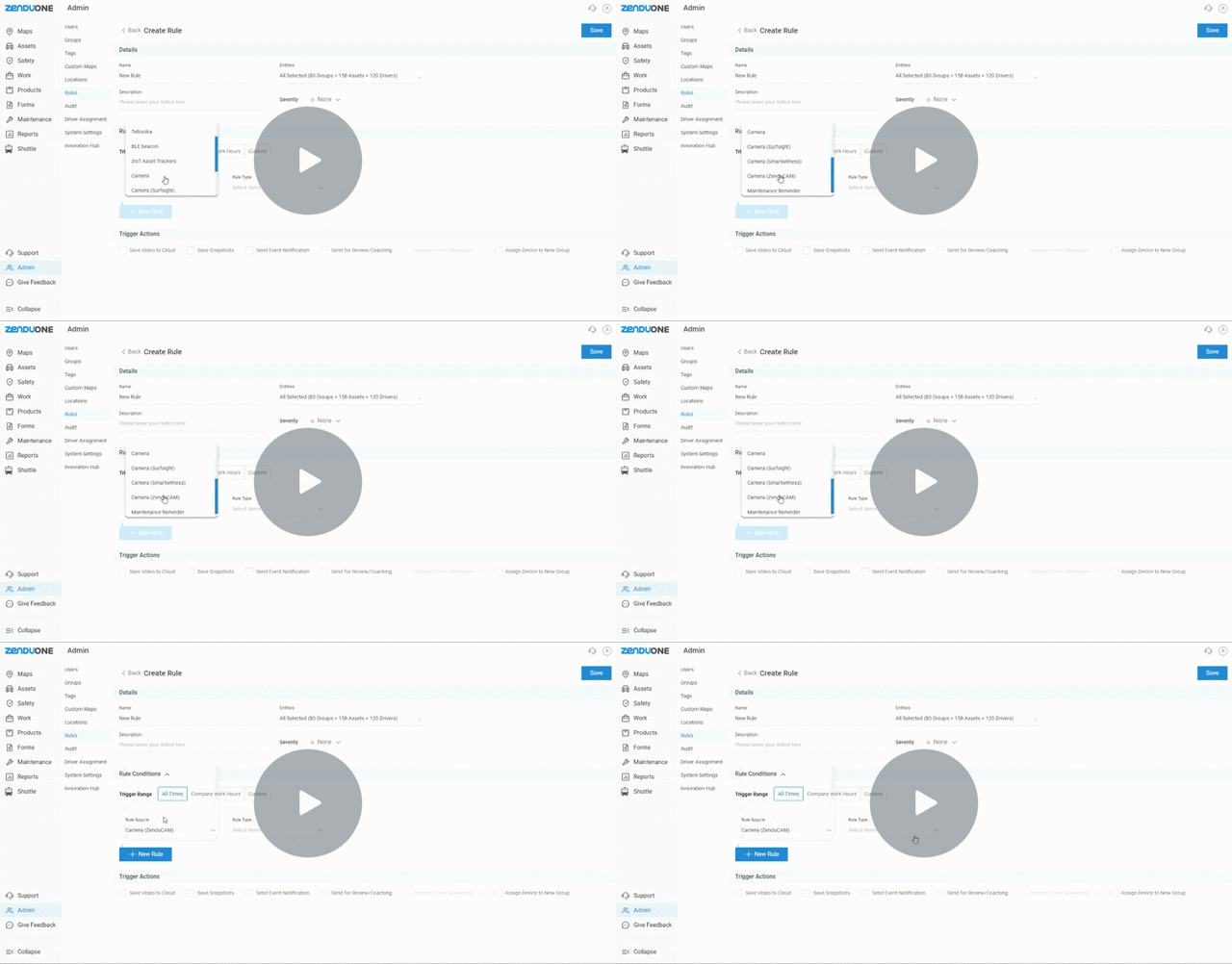
Only The Right Beacons, Everytime With ZenCAM Plus Whitelisting
ZenCAM Plus now supports beacon whitelisting, allowing you to control which beacons are allowed to connect to your gateway.
Key Highlights:
- Beacon whitelisting functionality for ZenCAM Plus
- Ability to select and bulk upload approved beacons
- Toggle whitelisting on/off per gateway
Why It Matters:
Whitelisting reduces noise from unnecessary connections and enhances security by restricting connections to only approved beacons.
Watch Video – Learn how to use beacon whitelisting with ZenCAM Plus to control gateway connections.
Stay tuned for more updates, and as always, we are committed to improving your experience with GoFleet!
About GoFleet
We don’t just provide another GPS fleet tracking system. We are in the business of providing you with telematics solutions that ultimately, improve your bottom line while increasing your operational efficiencies and the safety of your workers. Our fleet consultants work with you to understand your business in order to implement solutions based on everyday pain areas and industry best practices. Of course, it helps to have the industry’s most powerful and reliable GPS vehicle tracking system, but the real value is in our customer service. Let us show you the GoFleet difference. GoFleet – Connected Intelligence, Smarter Solutions.