New Product Updates – October 2025
Mississauga, ON – October 30, 2025
At GoFleet, we’re constantly innovating to provide you with the best tools for fleet management. This month, we’re excited to roll out a series of updates designed to boost safety, improve asset management, and streamline operations. From enhanced safety features like GO Focus Plus video coaching and restored Clean Truck Check compliance visibility, to driver-first routing controls (clear Pick up/Drop off labels, avoid-tolls toggle, custom truck dimensions), a redesigned Asset Health Maintenance tab, a new Fuel & Energy section, and simplified navigation and account menus—these updates put faster insights and tighter control at your fingertips.
1. Removed Centers and cleaned up the left-hand navigation menu
We removed Centers and streamlined the left menu so key pages sit exactly where you expect them.
Key Features:
- Collision Risk moved under Safety (from Risk Analytics)
- Schedules, Faults, Measurements now under Maintenance
- “Sustainability Center” → Sustainability Overview
- System removed; System Settings & Audit Log moved to Profile; Ace removed from
left nav (still in top bar; Beta)
2. Added a new Fuel and Energy section
A dedicated Fuel & Energy section brings fuel and EV tools together for easy discovery.
Key Features:
- Dedicated Fuel & Energy entry in left nav
- Centralizes related pages previously under Sustainability
- Easier discovery of fuel and energy workflows
3. Upgraded the Account menu
“Options” is now Profile, while System Settings and Audit Log live under Account; “My Reports” moved to Reports.
Key Features:
- Options → Profile for user settings
- System Settings & Audit Log consolidated under Account
- My Reports removed (use Reports in left nav)
4. Created a more streamlined Video experience for GO Focus Plus users
Recordings, Events, and Coaching now sit under Video for GO Focus Plus users (once drivers are identified).
Key Features:
- Recordings, Events, and Coaching grouped together
- Cleaner navigation path for video workflows
- Consistent layout for GO Focus Plus users
Availability: Appears after drivers are identified for GO Focus Plus; others still see Video Recordings.
5. Get deeper insights with the new Asset Health Maintenance tab
The updated Maintenance tab highlights Work Orders, Faults, and Major Defects front and center.
Key Features:
- Prominent Work orders
- Clear visibility of Faults
- Highlighted Major defects
Availability: Available now, with additional enhancement coming soon.
6. New driver-focused enhancements for Advanced Routing
Drivers can see the Cargo Transfer Type per material right in Advanced Routes.
Key Features:
- Clear Pick up vs Drop off labels per material
- Shown directly in the driver’s Advanced Routes view
- Reduces dependency on external records for verification
Availability: Available in Geotab Drive → Advanced Routes.
7. New navigation controls: Avoid tolls and set truck dimensions
New navigation toggles let drivers avoid toll roads and set custom truck dimensions for safer routing
Key Features:
- Avoid tolls toggle
- Configure custom truck dimensions
- Supports on-the-fly adjustments for unplanned resources
Availability: Available in Geotab Drive → Advanced Routes.
8. Clean Truck Check compliance status restored with new Report Details
Compliance status returns by Oct 31, 2025, with enhanced report downloads and email notifications including test-result details.
Key Features:
- MyGeotab compliance status restored
- Downloadable report adds test result details
- Email notifications enhanced with result data
Availability: Available to all North America customers on October 31, 2025.
GoFleet New Product Updates – October 2025
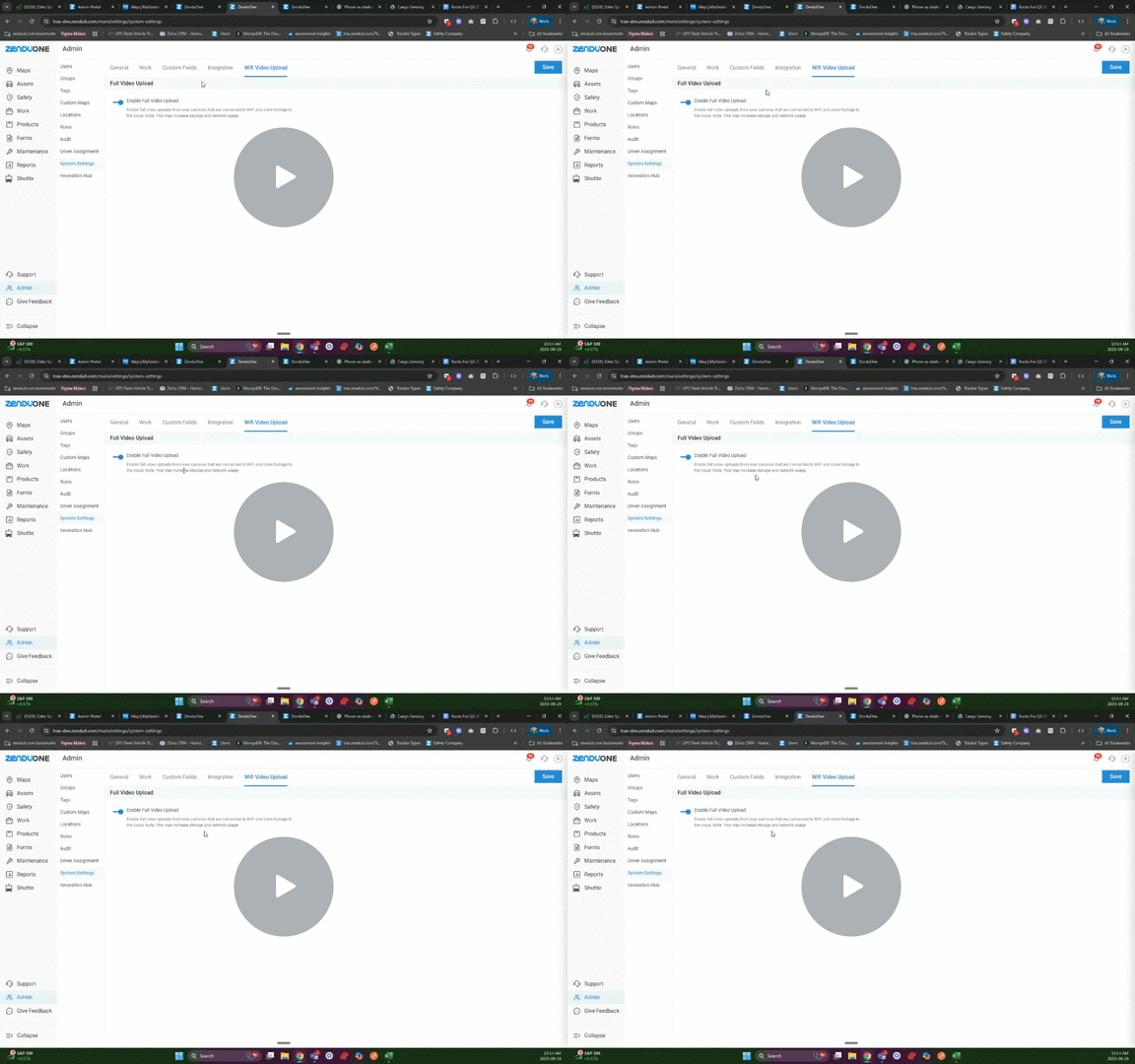
Daily Uploads, Done Smarter
Dashcams now upload footage automatically whenever they hit an approved Wi-Fi zone — think depot, yard, warehouse. Clips show up organized in the Live App in tidy 30-minute batches, ready to review or sync to the cloud or your own storage.
Key Highlights:
- Eliminates manual SD card pulls and footage retrieval
- Cuts cellular data costs with Wi-Fi-first uploads
- Faster access to recorded clips for investigations and coaching
- Flexible storage — cloud or customer-hosted
- Perfect for return-to-base fleets and private yards
Why It Matters:
No more manual pulls, SD card hunts, or cellular burn. Uploads happen in the background, faster and cheaper — built for fleets that come home to Wi-Fi.
Watch Video – ZenBeacons on the Driver Mobile App
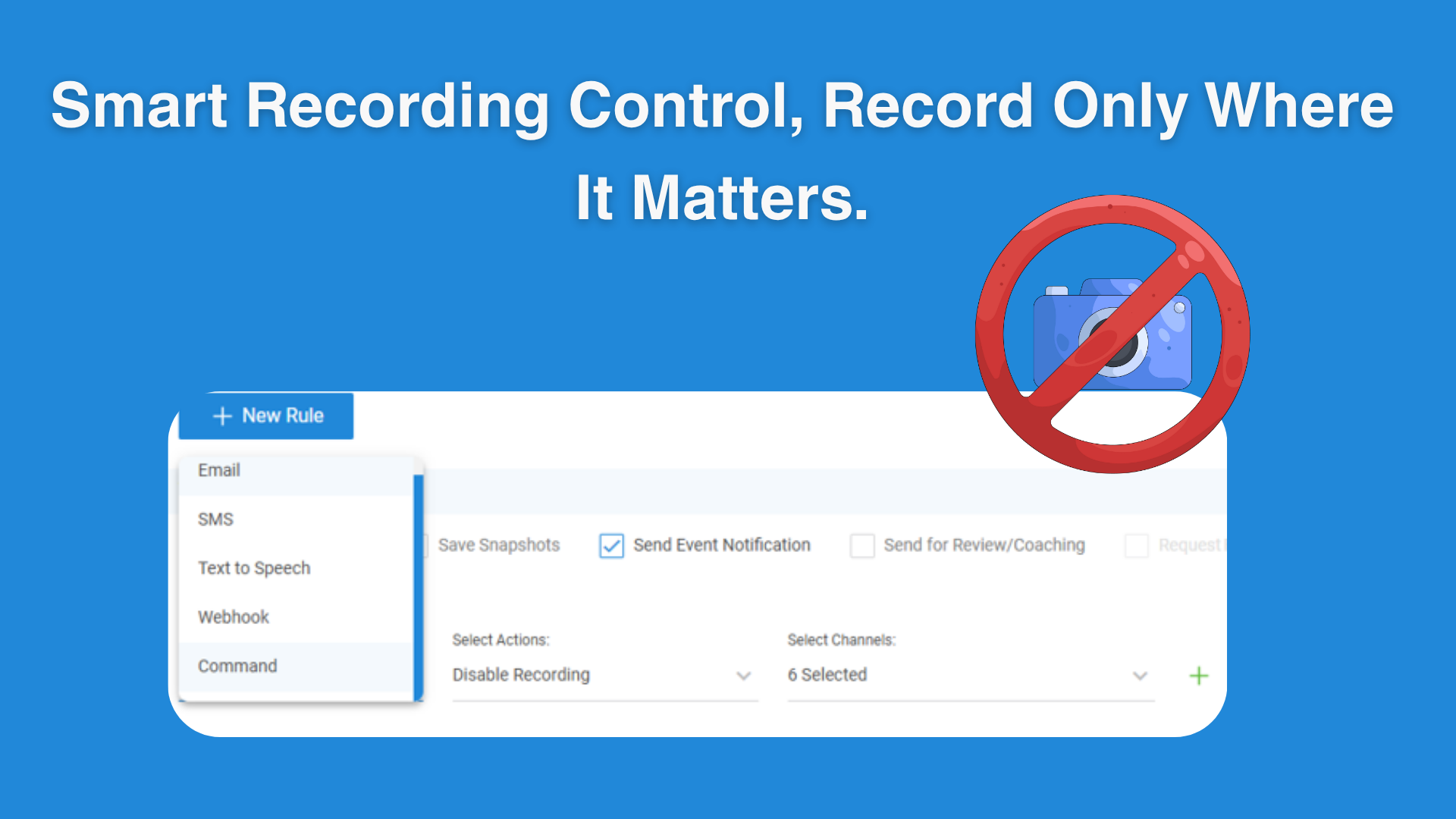
Record Only Where It Matters — Geofence Camera Control
Auto-enable or disable up to six camera channels based on where a vehicle enters/exits. Configure per location or by tagged zones — ideal for client sites, privacy-sensitive zones, or compliance-restricted areas.
Key Highlights:
- Stops recording in restricted or privacy-sensitive zones
- Keeps cameras on where safety or compliance requires it
- Up to 6 channels controlled per rule for granular logic
- Reduces manual toggling and audit risk
- Builds trust with customers and sites hosting your vehicles
Why It Matters:
Stops unwanted recording in restricted areas while keeping footage where policy requires it — builds trust, simplifies compliance, and protects relationships.
Learn more – Managing Safety with No Mask & Blind Spot Detection
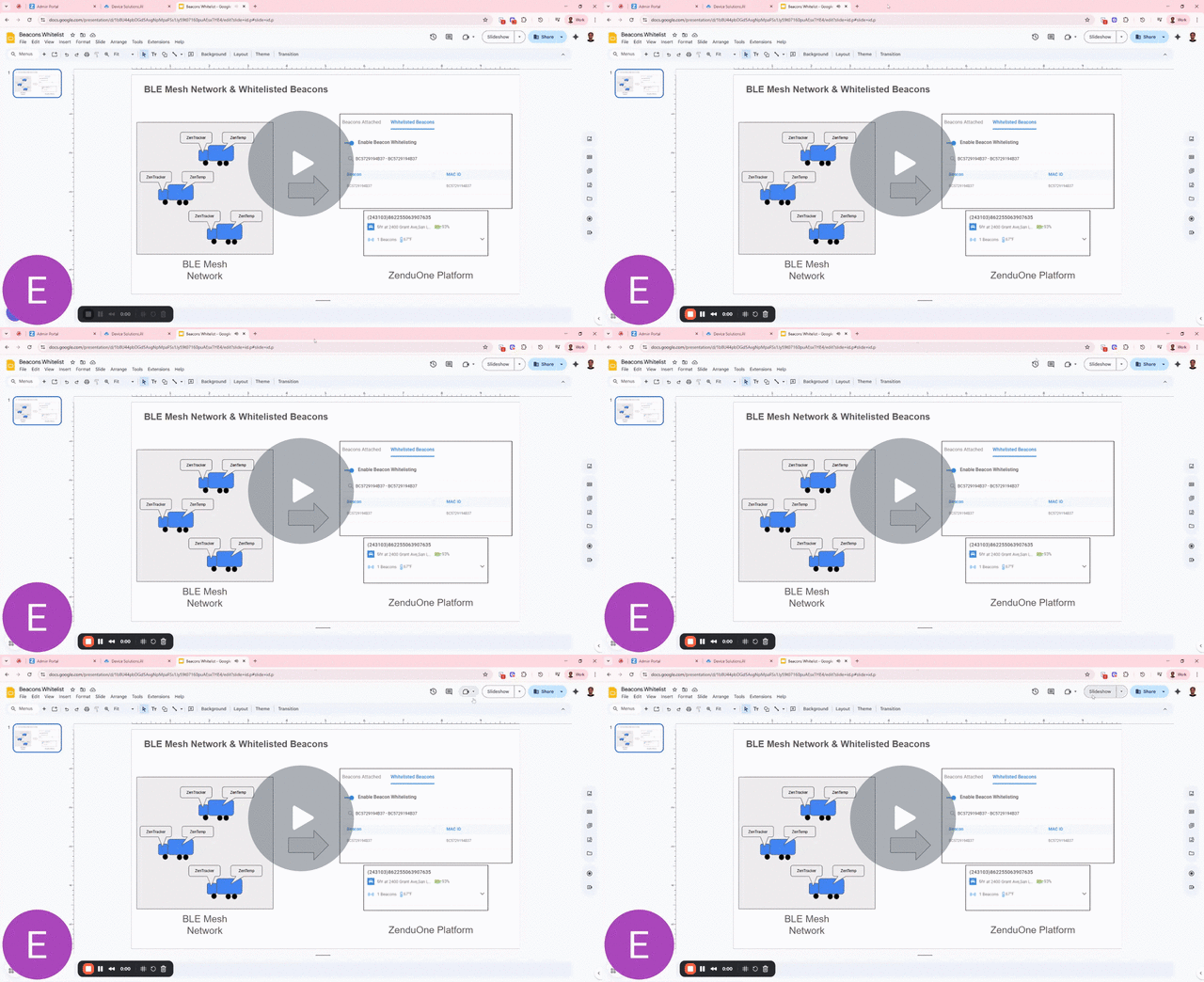
Every Vehicle, A Gateway to Smarter Insights
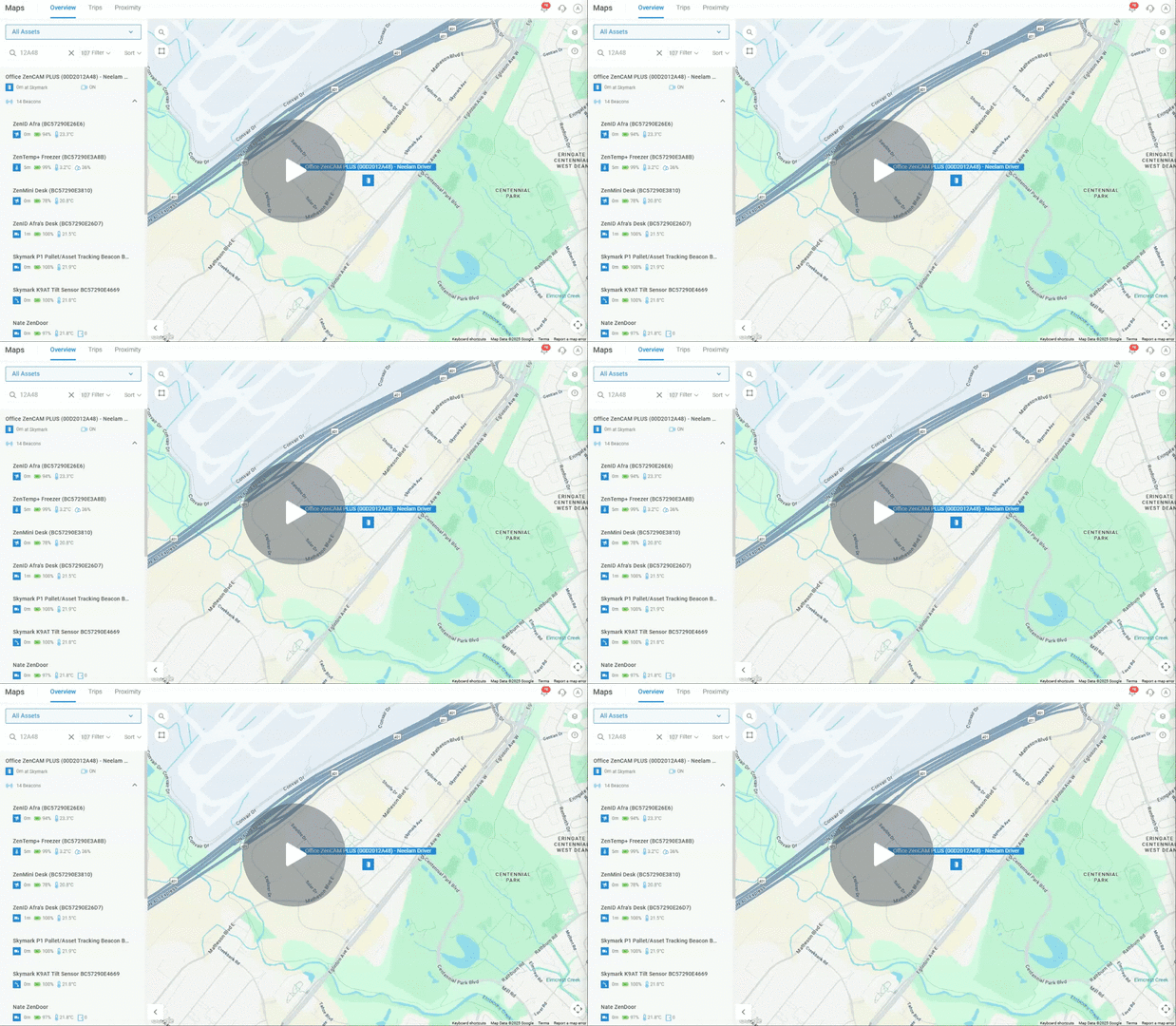
Your tracked vehicles now act as roaming BLE hubs — capturing temperature, humidity, and beacon events faster and with broader coverage through a vehicle-mesh.
Key Highlights:
- Turns fleets into moving sensor networks
- Faster, more reliable environmental readings
- Increased coverage without new fixed hardware
- Authorized-beacon whitelist simplifies control
- Enables richer, real-time operational insight
Why It Matters:
Stronger visibility, faster telemetry, better asset awareness. Vehicles become data amplifiers, not just trackers.
Watch Video – Snapshot Streaming During Driver Calls
Real-Time Alerts, Right in the Platform
A new notification panel shows live safety alerts as they trigger, with optional desktop push for Mac/Windows. Critical events pop instantly; low-severity alerts are smart-batched by frequency.
Key Highlights:
- Instant visibility to safety & behavior events
- Push alerts to desktop for high-urgency cases
- Smart filtering fights notification fatigue
- Coach drivers or call them directly from panel
Why It Matters:
Helps ops teams respond fast without drowning in noise — act, coach, or call drivers in seconds.
Watch Video – Accessing Asset Information with Asset Detailed View
TTS Messaging API — Talk to Drivers Programmatically
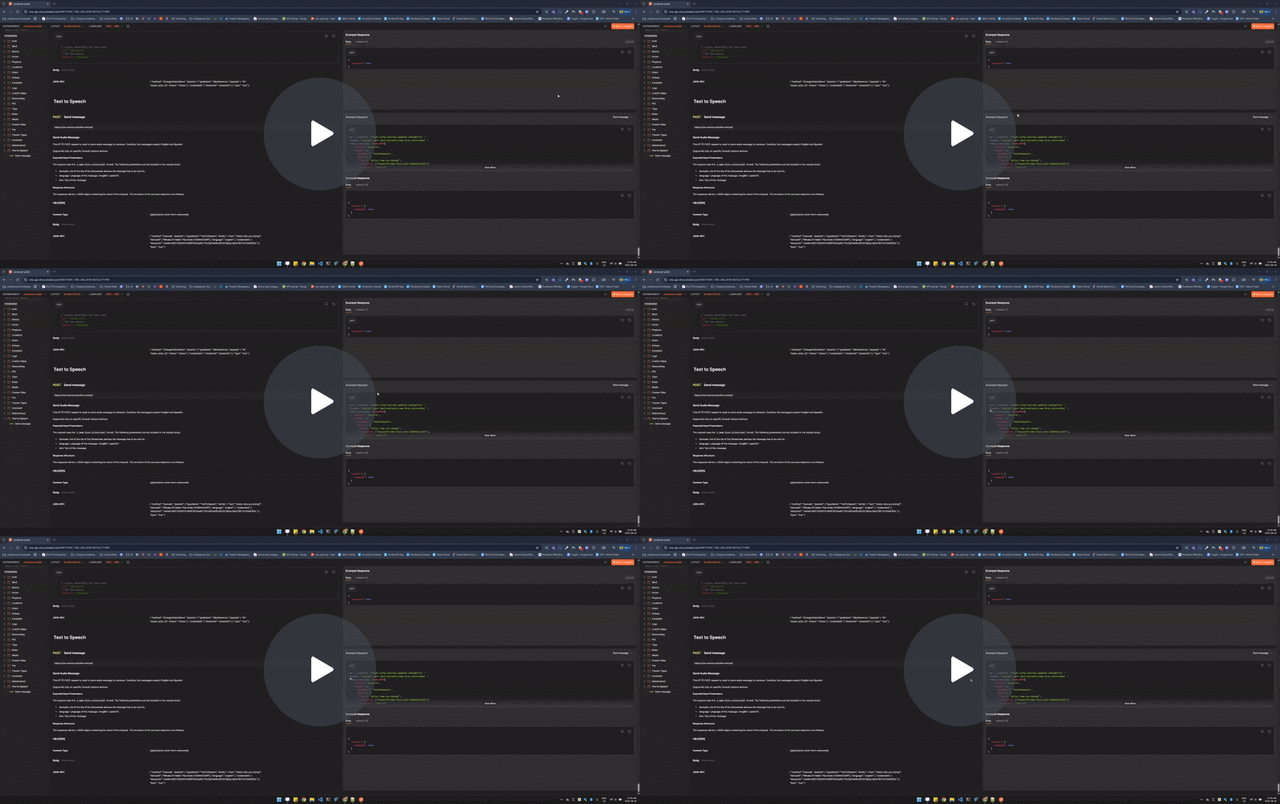
Developers can now send text-to-speech messages directly to drivers via API (EN/ES supported) with secure authentication.
Key Highlights:
- Instant, safe, hands-free driver comms
- Integrates messaging into your existing apps
- Cuts manual dispatching and radio chatter
- Multi-language ready for global fleets
- Secure and authenticated delivery
Why It Matters:
Speeds up communication, reduces manual dispatching, supports safer hands-free workflows across multilingual fleets.
Watch Video – Managing Streaming Access with the Clearance System
Stay tuned for more updates, and as always, we are committed to improving your experience with GoFleet!
About GoFleet
We don’t just provide another GPS fleet tracking system. We are in the business of providing you with telematics solutions that ultimately, improve your bottom line while increasing your operational efficiencies and the safety of your workers. Our fleet consultants work with you to understand your business in order to implement solutions based on everyday pain areas and industry best practices. Of course, it helps to have the industry’s most powerful and reliable GPS vehicle tracking system, but the real value is in our customer service. Let us show you the GoFleet difference. GoFleet – Connected Intelligence, Smarter Solutions.